System Configuration
For initial setup, or a big change in the setup, the MCTC controller needs to be configured. This can be done
manually by the changing the settings of the system, or by using the configuration wizard. Both options can
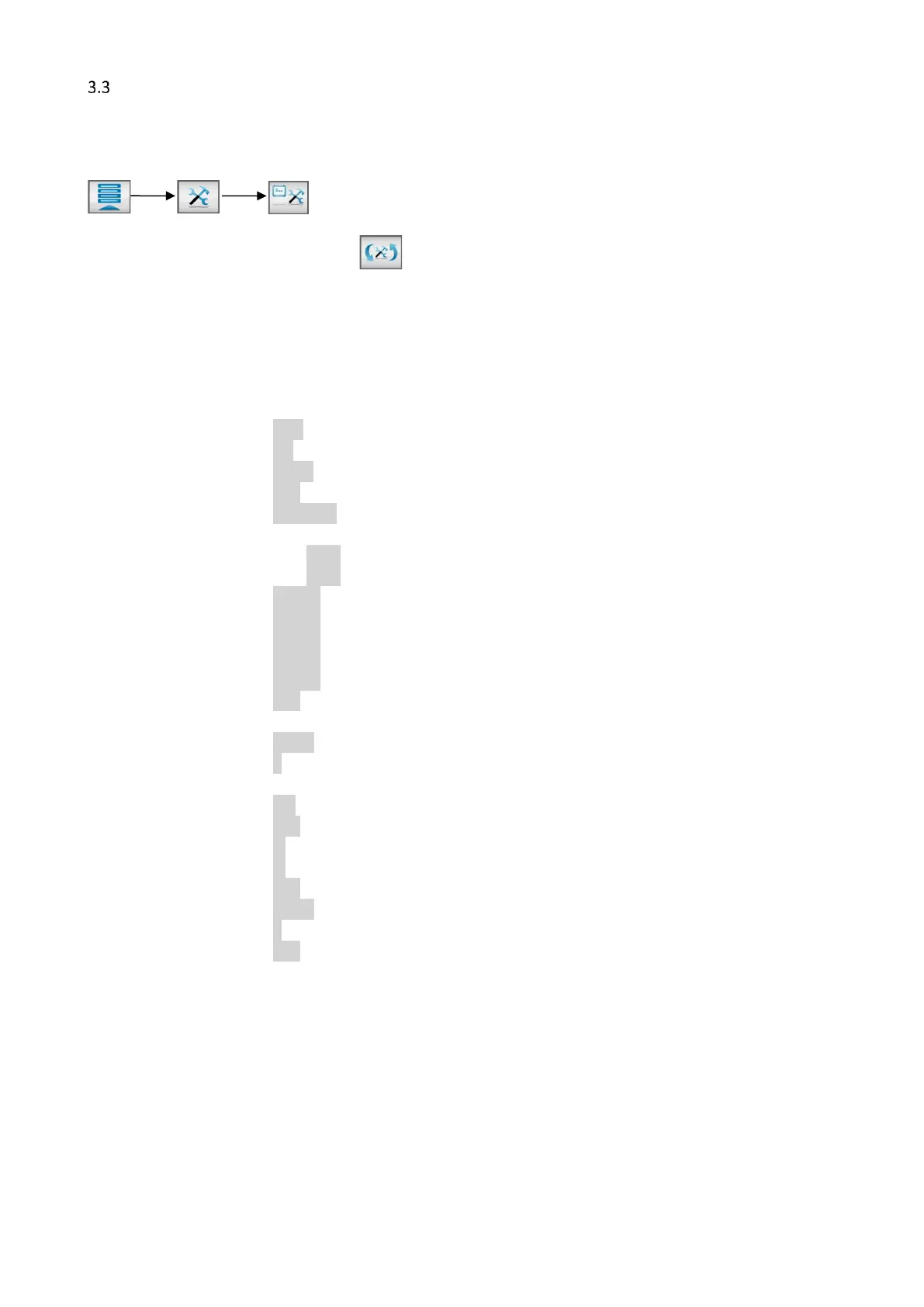
be found in the “System Configuration” menu (only accessible for Supervisor), to enter this menu press:
To start the configuration wizard press , and follow the steps of the wizard.
The following settings are for the entire system and there for need to be altered once. It is not possible to
change these settings for each separate configured component. For component specific configuration
(MCBalance, MCHigh Output, MCWeight, MCLiquid, MCNexus, MCNumera, MCPowder, MCHybrid) see the
device specific chapters. For multicomponent setups ( 2 or more components) refer to chapter Multi
component.
Language : ENG - DE - FR - ……
Production mode : INJ – EXT - BATCH
Input type : Timer - Relay - Tacho
Auto start : OFF - ON
Startup login : Operator - Tooling – Supervisor
Login Rights : Login rights configuration menu
Tooling passw. : xxxx 1111
Supervisor passw. : xxxx 2222
IP address : 0.0.0.0 (For example: 192.168.1.100)
Netmask : 0.0.0.0 (For example: 255.255.255.0)
Gateway : 0.0.0.0 (For example: 192.168.1.1)
Nameserver : 0.0.0.0 (For example: 8.8.8.8)
MCSmart IP Address : 0.0.0.0 (For example: 192.168.1.10)
Screen Time Out : OFF - ON
Date / Time : (dd / mm / yy) (hh / mm)
Device name : MCTC
Number of groups : 1-15
Group configuration : Group configuration menu
Recipe enabled : ON – OFF
Purge enabled : OFF – ON
Setpoint units : % - Parts
Display units : % - Parts – g/s – kg/h
Imperial units : OFF - ON
I/O module: : NONE - ANALOG - PRO.BUS - PRO.NET*
Modbus Device Address : 1-231
Line Control : OFF – ON*
* For extra options, please refer the corresponding manual.
System Configuration: Language
The standard language is English. If your language is not listed you can put a request at your local Movacolor
representative for a translation.
System Configuration: Production mode
Selection of type of process in which the Movacolor dosing system is used.
Extrusion (EXT), Injection Molding (INJ) or Batch.


 To Next Page