8
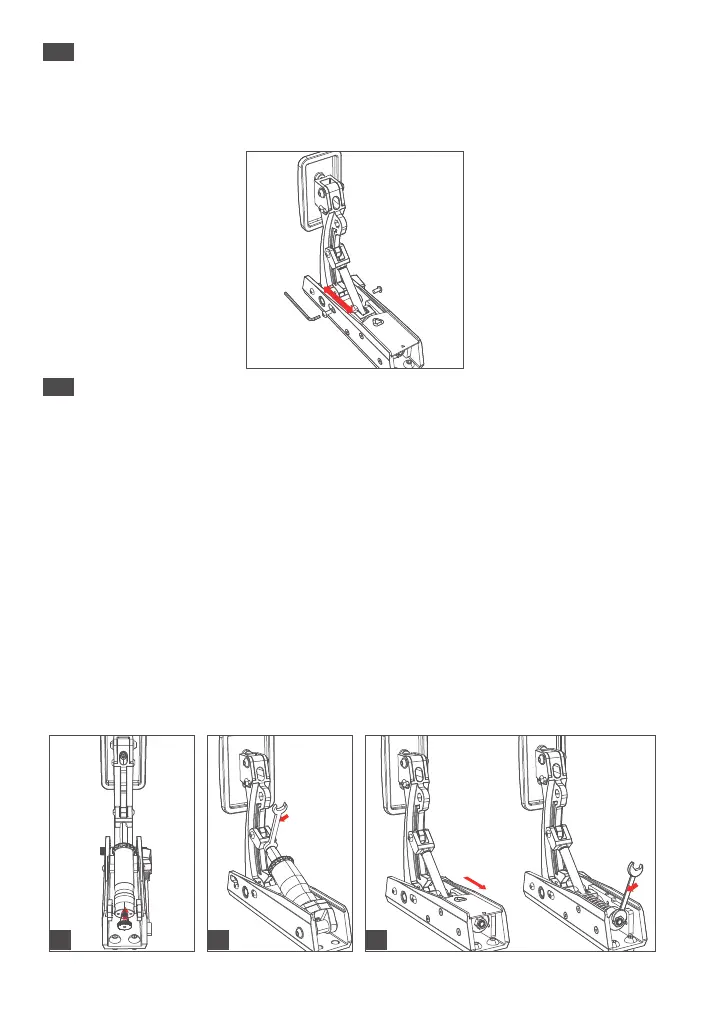
Adjust Pedal Travel:
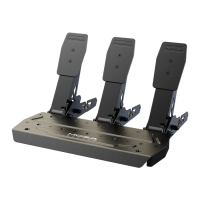
To adjust the travel of the throttle, brake, and clutch pedals, loosen the screws on both sides of
the limit shaft with a wrench, adjust to the desired position, and then tighten the screws.
1. Throttle Pedal Feel Adjustment:
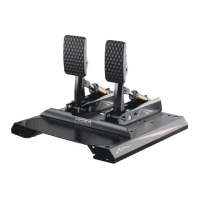
Turn the adjustment nut clockwise to make the throttle return feel stronger. Turn it counter-
clockwise to make it softer (see Figure 1). You can also change the spring to adjust the feel;
see the next section for details.
2. Brake Pedal Feel Adjustment:
Use an open-end wrench to turn the pressure shaft clockwise to make the brake feel firmer, or
counterclockwise to make it softer. After adjusting, use two wrenches to tighten the nut and
pressure shaft to prevent loosening. You can also change the damping blocks to adjust the
feel; see the next section for details.
3. Clutch Pedal Feel Adjustment (Clutch Pedal is available separately):
Slide the cover plate back and remove it. Use an open-end wrench to turn the nut clockwise to
make the clutch feel firmer or counterclockwise to make it softer. After adjustment, slide the
cover plate back. You can also change the spring to adjust the feel; see the next section for
details (spring included with the clutch pedal).
Adjusting Pedal Travel
06
Pedal Feel Adjustment
07
1
2 3


 To Next Page