·
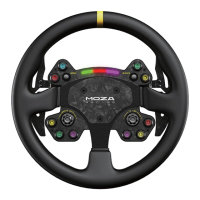
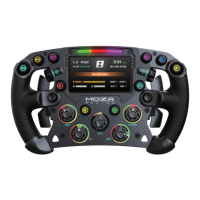
280mm width Formula-style Wheel
·
4.3-inch HD Display
·
12+ professional Formula-style UI interfaces
· Hand-stitched perforated leather
·
High-strength carbon fiber frame and shifters
·
Aluminum Alloy Back Shell
· Carbon Fiber Photoelectric Double Clutch Paddles
·
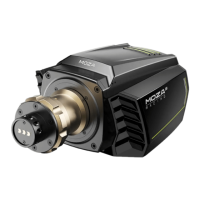
Quick Release System
·
Flow RGB Shift Indicator Lighting
· Can be directly connected to PC via USB (optional)
·
Ergonomic Design
·
10 illuminated programmable mechanical keys
·
5 band knobs, 2 thumb knobs, 2 universal joysticks
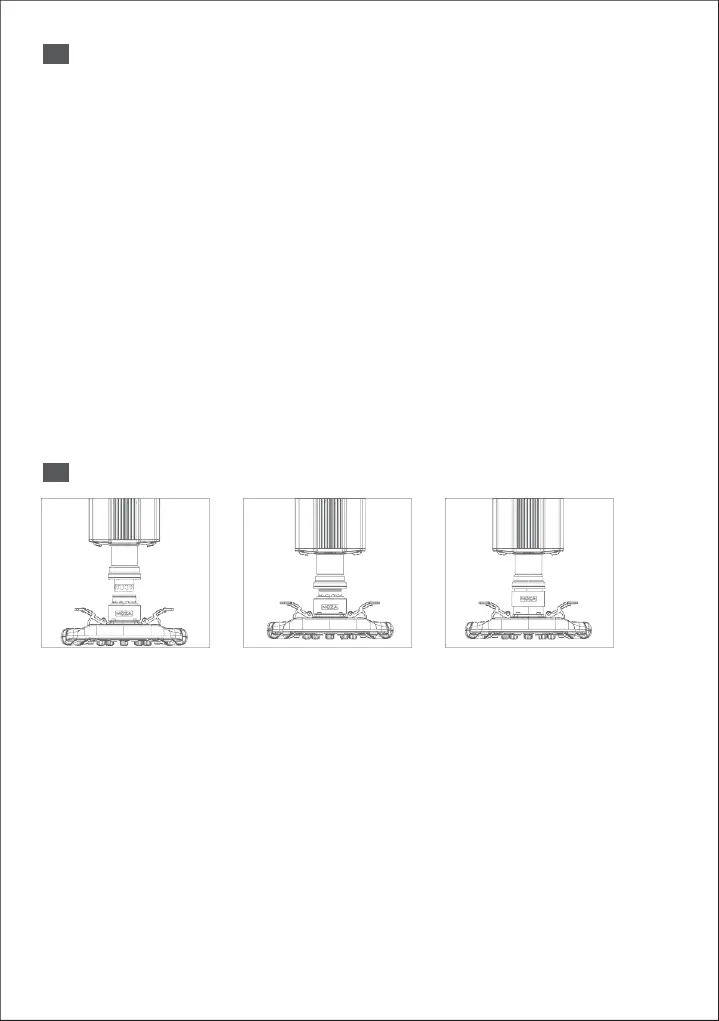
Quick Release Instructions
1.
Align the 6 steel balls on the steering wheel with the 6 grooves on the wheelbase.
2.
Press the wheel into the wheelbase, keeping the balls aligned with each other.
3.
The quick release will automatically snap into place, locking the wheel to the base. If the quick
release does not lock, try rotating the panel on the base to its default position, and try again until
it locks correctly.
4.
To remove the wheel from the base, simply use two hands to pull back on the outer ring (black
color) and pull the wheel out at the same time.


 To Next Page