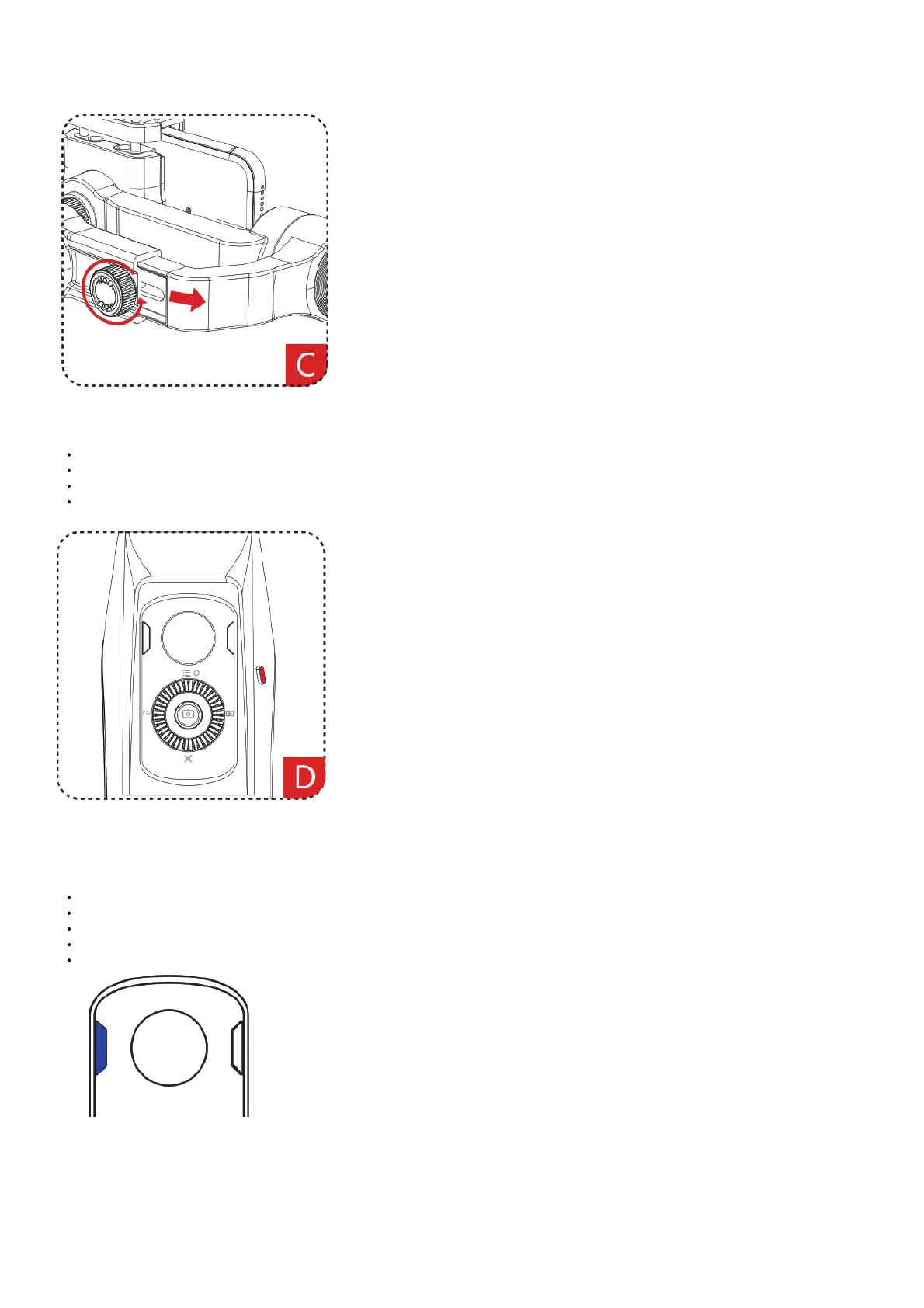
Balance Adjustment
If the phone can’t keep level, you can loosen the adjustment screw on the roll arm, then adjust the length of the arm to achieve balance.
Starting Up
ON/OFF Button
Long press: on/off
Single press: standby/wake up
Double press: start/stop wireless charging
Battery Level Viewing
Power indicator
Steady blue light for upper and lower
indicators: 70%-100% battery level
Steady blue light for lower indicator: 30%-70%
Flashing blue light: 0-30%
Steady red light: charging
Gimbal Charging
Flashing blue light indicates the gimbal needs to be charged in time. MOZA Mini-MI has a universal USB port which is compatible with phone chargers
and power banks.



 To Next Page