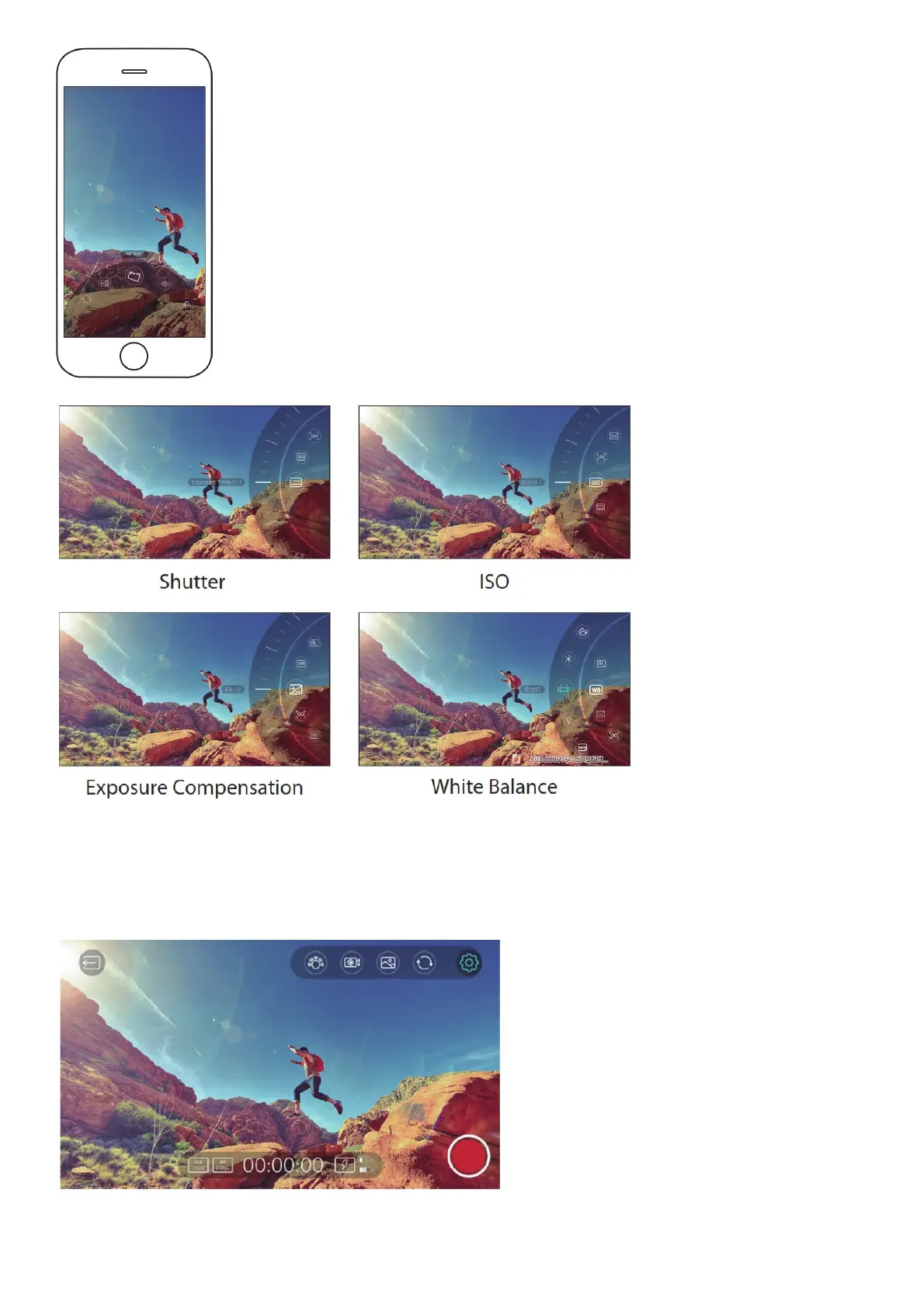
Support 3 focusing modes: single auto-focus, continuous auto-focus and manual focus In manual focusing mode, rotate the dial wheel to focus After
exiting menu, the dial wheel cannot be used for focusing operation.
Object Tracking
1. Short click the setting icon to activate the shortcut bar
2. Select and click the tracking icon



 To Next Page