9
Remote Control
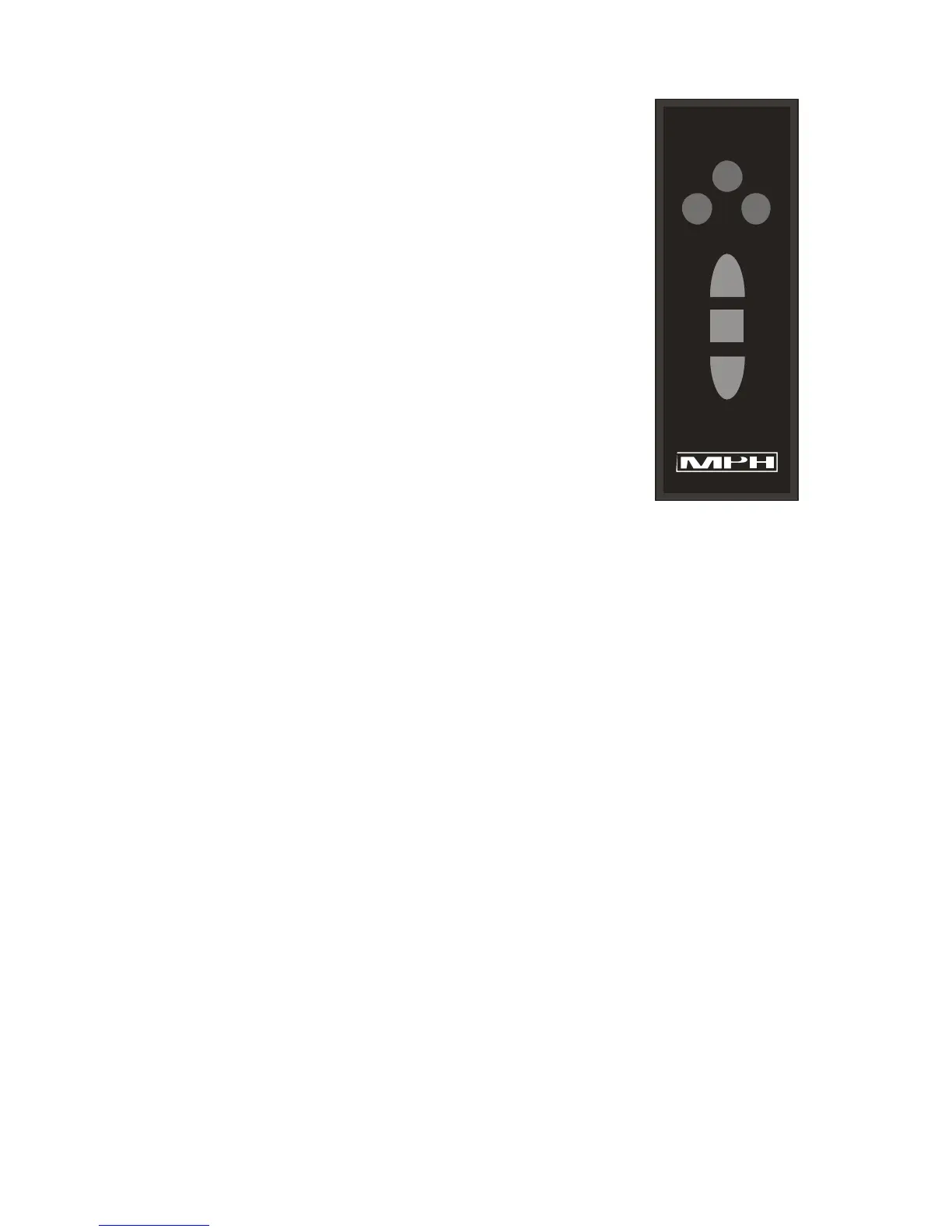
The PYTHON III is supplied with either a FS or standard remote.
The FS remote has two extra buttons to control the fastest and same
direction modes The remote provides easy access to the essential
radar functions. The remote is designed to use with gloves and the
buttons provide an intuitive feel. This allows the officer to keep their
eyes on the road.
Standard Remote Operating Mode Buttons
The red buttons control the antenna, these are:
Front: Places the radar into front antenna mode.
Rear: Places the radar into rear antenna mode.
Standby: Places the radar into Standby.
The top blue button is:
Lock: Causes the radar to lock the Target speed in the Lock window.
A target locked for 30 minutes (this time will vary on special department requests) will
automatically be cleared. If the unit is in standby, a countdown will be shown in the target
window along with an alerting tone informing the officer that the locked speeds are going
to be cleared soon. For example: the target window will display L30 at 30 seconds from
clear, L20 at 20 seconds from clear and L10 at 10 seconds from clear, then the locked
speeds are cleared at 0 seconds. This feature allows the officer time to note the speeds
before they are cleared.
FS Remote (Additional Buttons, Available for K and Ka-bands only)
S/O: Toggles the radar between opposite or same direction when moving mode is selected.
FAST: Toggles the radar between fastest vehicle mode and strongest vehicle mode. Also
used in same direction mode to tell the radar that a target is moving faster than the patrol
vehicle.
FRONT
REAR
LOCK
S/O FAST
S
T
B
Y
S
T
B
Y


 To Next Page