Page 12 Getting Started
English
 Getting Started
Turning the Tablet on and off
To turn the tablet on:
Press and hold the Power key until the LCD screen
turns on. Wait until the Home screen appears; the
tablet is now ready for use.
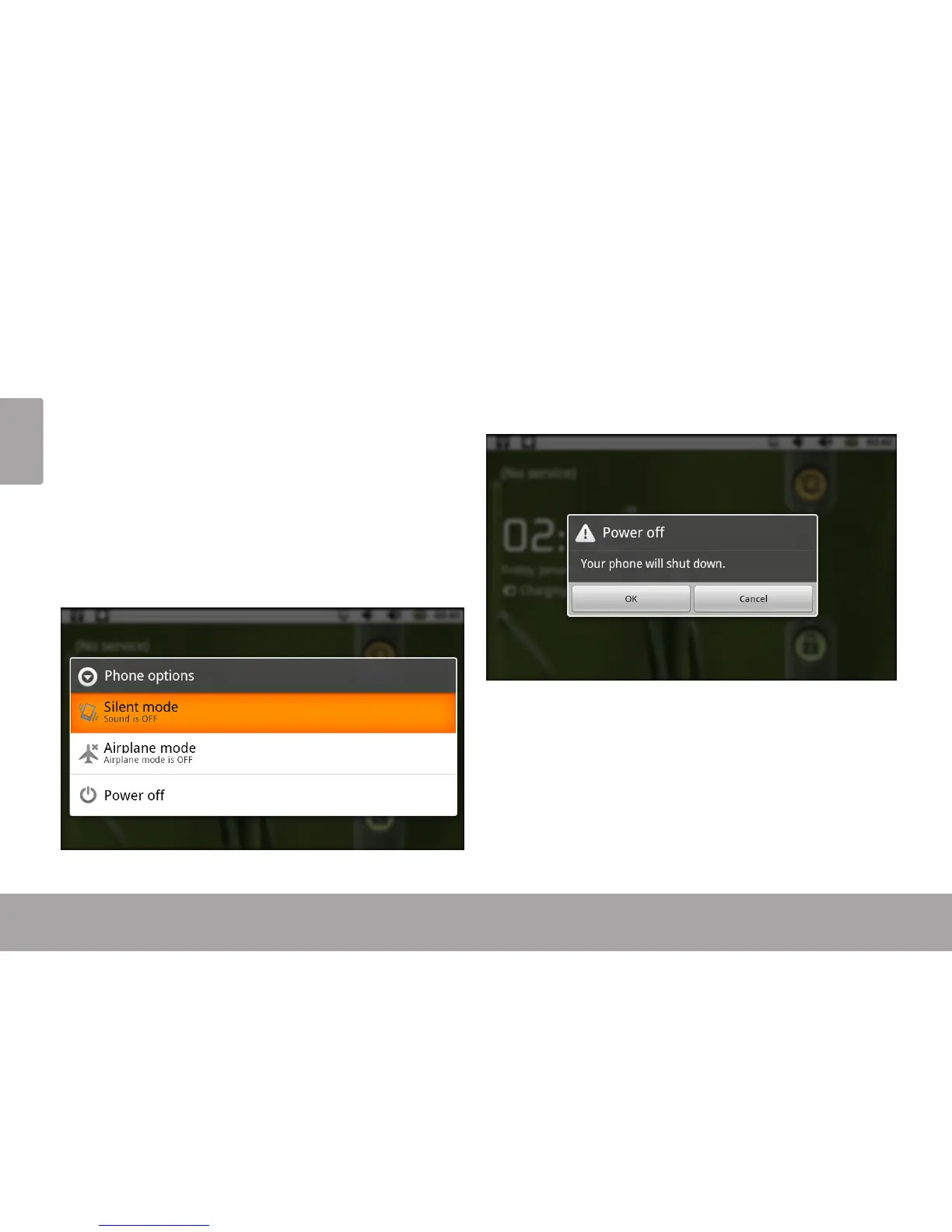
To turn the tablet off:
1. Press and hold the Power key until the Device
Options menu appears.
2. Touch Power off on the screen. A conrmation
message will appear.
3. Touch OK to turn off the tablet.



 To Next Page