Page 18 Getting Started
English
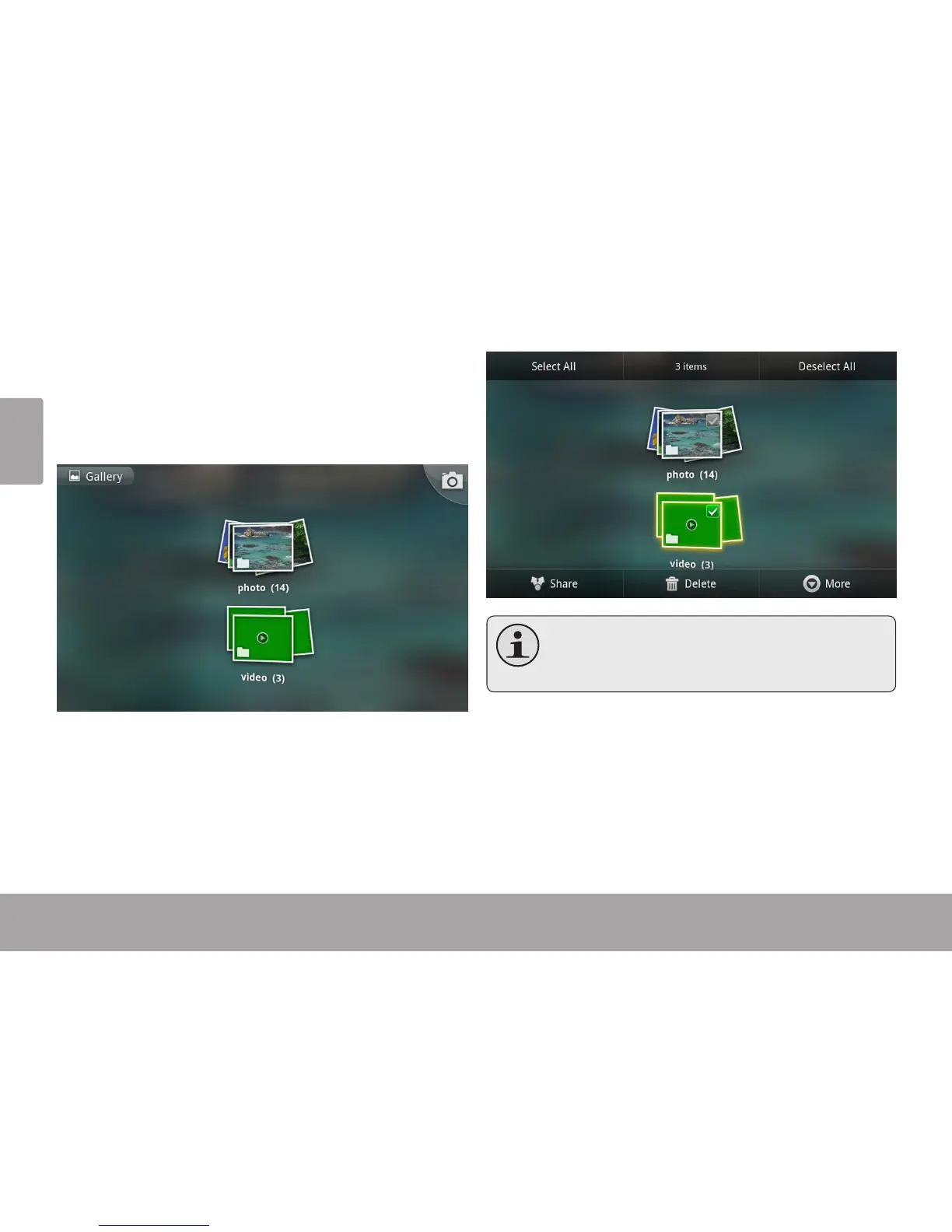
2. Context menus.
Context menus contain items related to a specic item on
the screen. To view a context menu, touch and hold an
item on the screen.
Touch & hold Video(3).
A context menu will appear.
Not all items have acontextmenu;if a menu
doesnotexist,nothingwillhappenifyoutouch
andholdtheitem.



 To Next Page