Page 22 Connecting To The Internet
English
2. Select an available Wi-Fi network to connect to:
In the same Wi-Fi settings menu above, touch a network
in the list.
If the network is open, the tablet will prompt you to
conrm connection to the network. Touch Connect to
conrm.
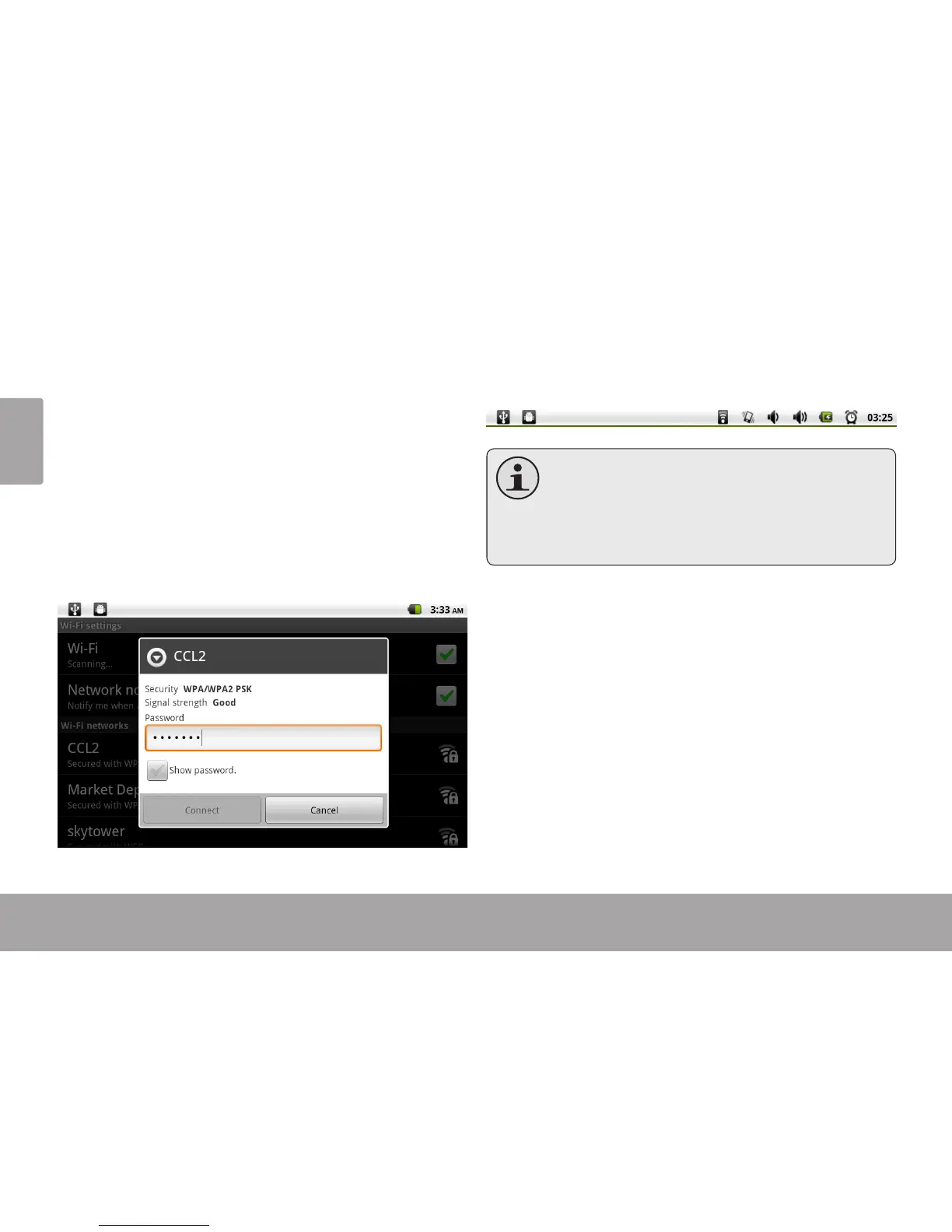
If the network is secured (as indicated by a Lock icon),
the tablet will prompt you to enter a password or other
credentials. Touch the Wireless password box to show
the on-screen keyboard and then use it to enter the
password. Touch Connect to conrm.
When you have successfully connected to a Wi-Fi
network, the Notications bar at the top of the screen will
show a Wi-Fi signal indicator.
TolearnabouthowtoaddaWi-Finetworkwhen
itisnotinrangeorwhentherouterissettoob-
scure the network name (SSID); or to cong-
ureadvancedWi-Fioptions,pleaserefertothe
manual.



 To Next Page