Page 14
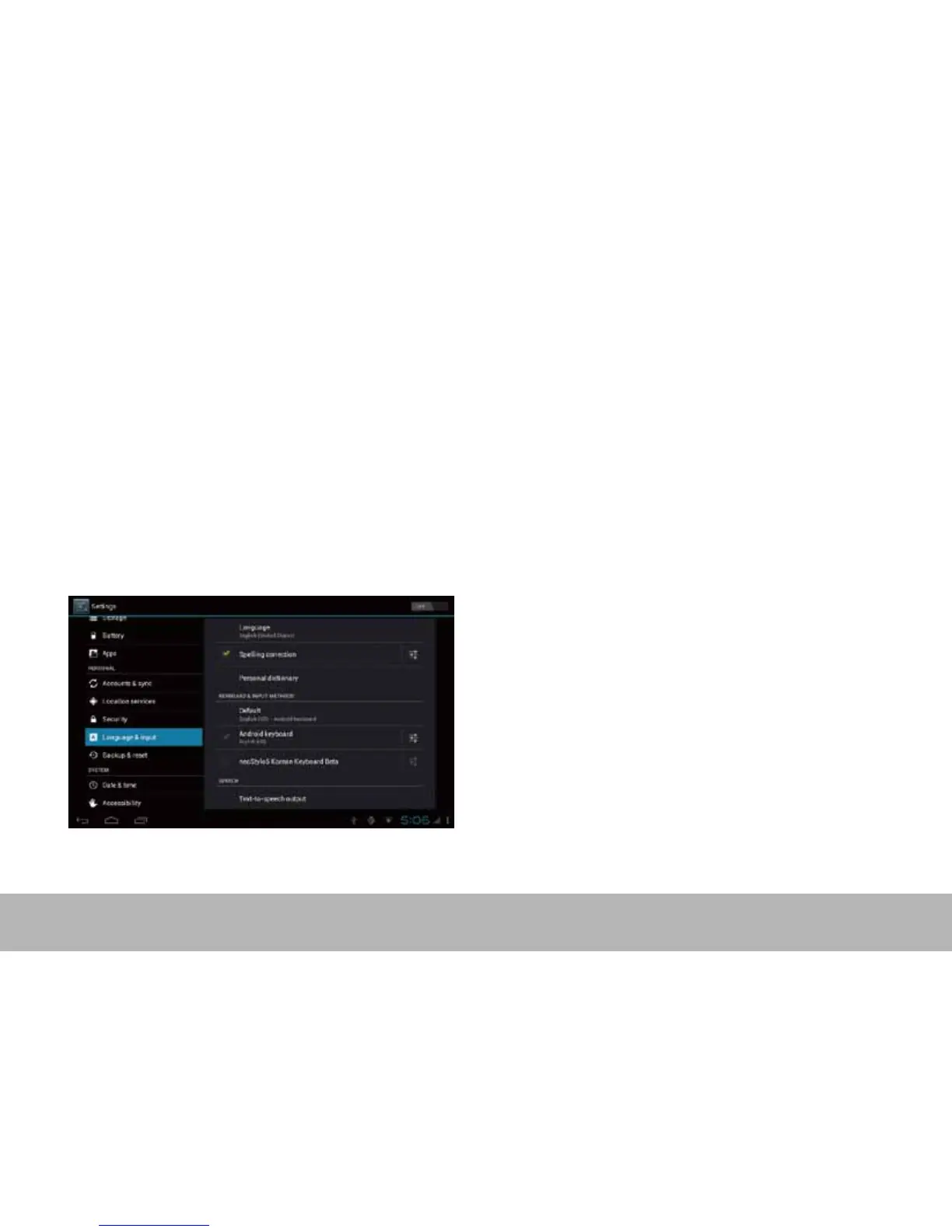
10. Language & input
Language – Choose your preferable language.
Keyboard & input method – Change keyboard & keyboard settings.
On Language & input settings, if you need other languages besides English on keyboard, press the relevant
keyboard and enter the chosen Keyboard settings, select Keyboards, press the language you need.



 To Next Page