Page 3
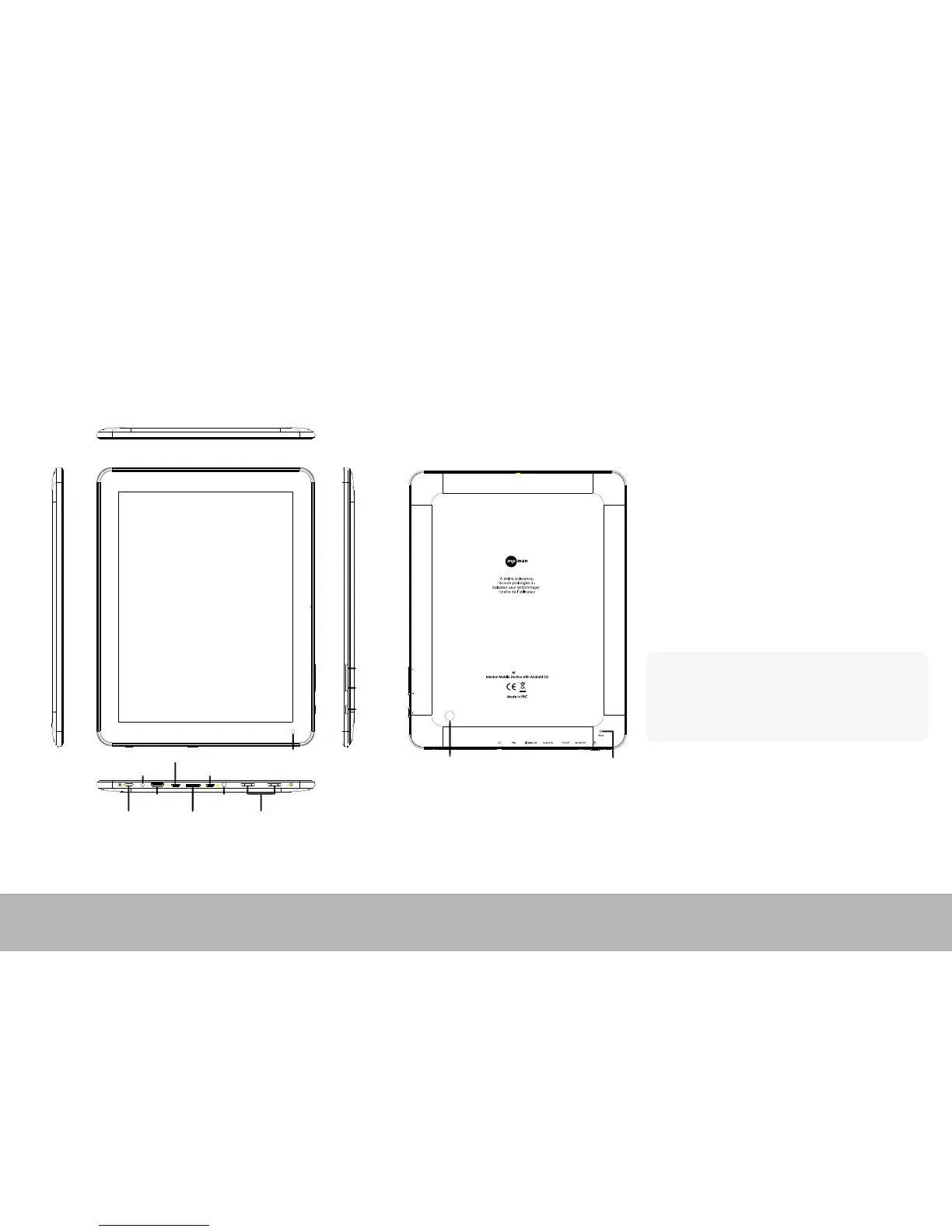
Name
Power
TV-OUT
MicroSD
Earphone
Speaker
Charger USB
USB/OTG/host Camera(front)
Camera(back)
Volume +
Volume -
ESC
Reset
P959
Important Notice
-
-
-
If the device is freezing or stuck, press the reset
button (a small hole). Another way to turn o the
device by force is to hold pressing power button
for more than 7 seconds.
When the performance is slow after using some
applications, it is recommended to close running
application in setting menu.
Use “File Manager” at main menu to search les.
Instruction



 To Next Page