Home
MPMan
Tablet
MP959
Page 18 (Application Installation Guide)
MPMan MP959 - Application Installation Guide; Install Apps via Market; Install Apps via Computer
26 pages
Manual
Save Page as PDF
To Next Page
To Next Page
To Previous Page
To Previous Page
Loading...
Page 17
Pr
ess
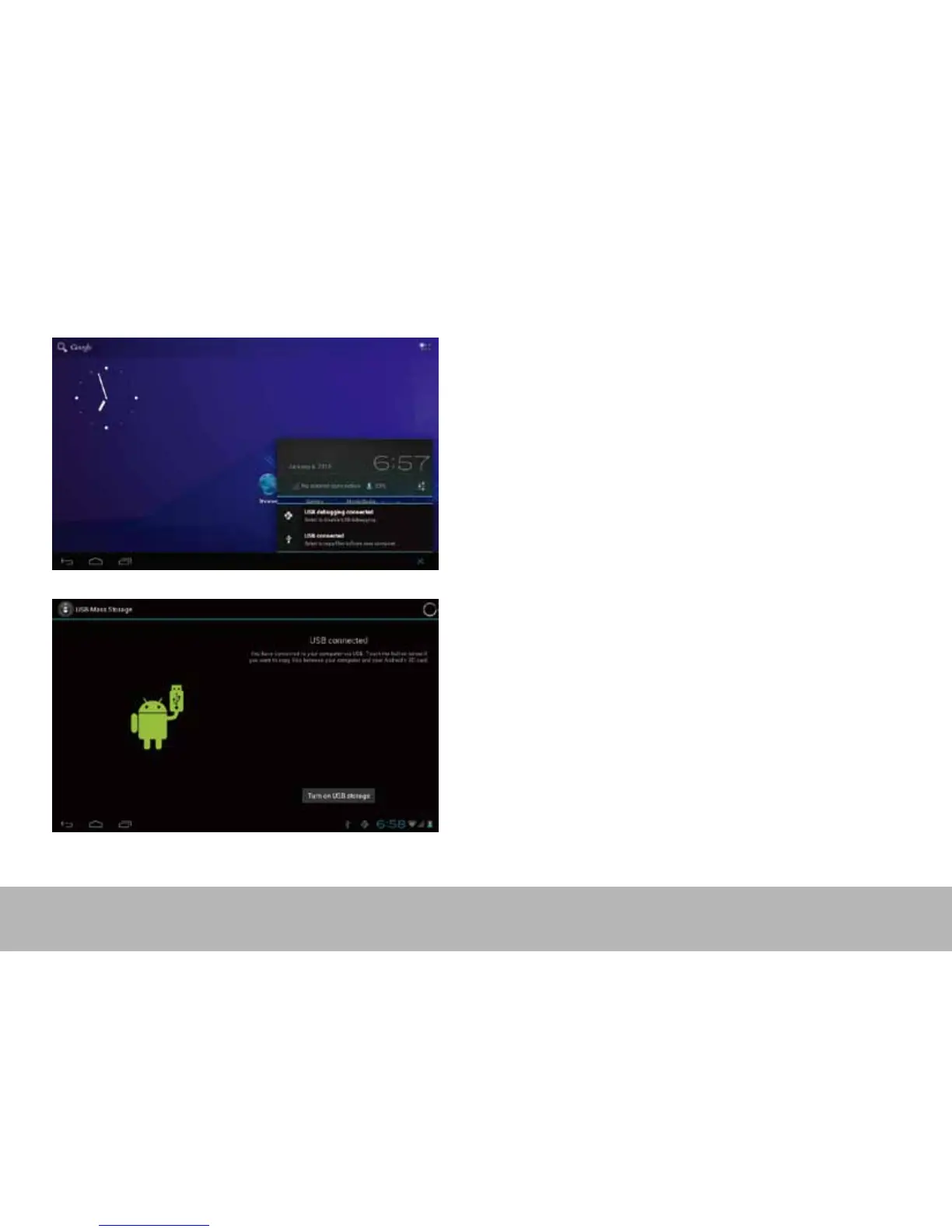
“USB connected”
, select
“
T
urn on USB storage
”
.
The device is r
ecognized at Explor
er of the computer
.
Now you can use it as an external storage
.
After nishing your w
ork
,
Pr
ess
“
T
urn o USB storage”
to unmoun
t it.
17
19
Table of Contents
Main Page
Hardware Specification
3
Software Specification
3
Important Notice
4
Power On/Off
6
Standby Mode(Screen off Mode) / Unlock the Screen
7
System Settings
8
Wireless and Networks
9
Account & Sync
13
Location Services
13
Language and Input
15
Date and Time
16
Developer Options
16
About Tablet
16
How to Connect/Disconnect the Device With/From the Computer
17
How to Install Applications(.Apk File) into the Device
19
How to Make Desktop Icons
21
Change Input Method
23
Caractéristiques
24
Related product manuals
MPMan MP843
23 pages
MPMan MP724
36 pages
MPMan MP710
40 pages
MPMan MPDC706
12 pages
MPMan MPQC1030
12 pages
MPMan MPDC1006
12 pages
MPMan MPDC9000
14 pages
MPMan MPQC1040i
16 pages
MPMan MID7C
22 pages
MPMan MID82C
23 pages
MPMan MID74C
24 pages
MPMan MID104C
26 pages



 To Next Page