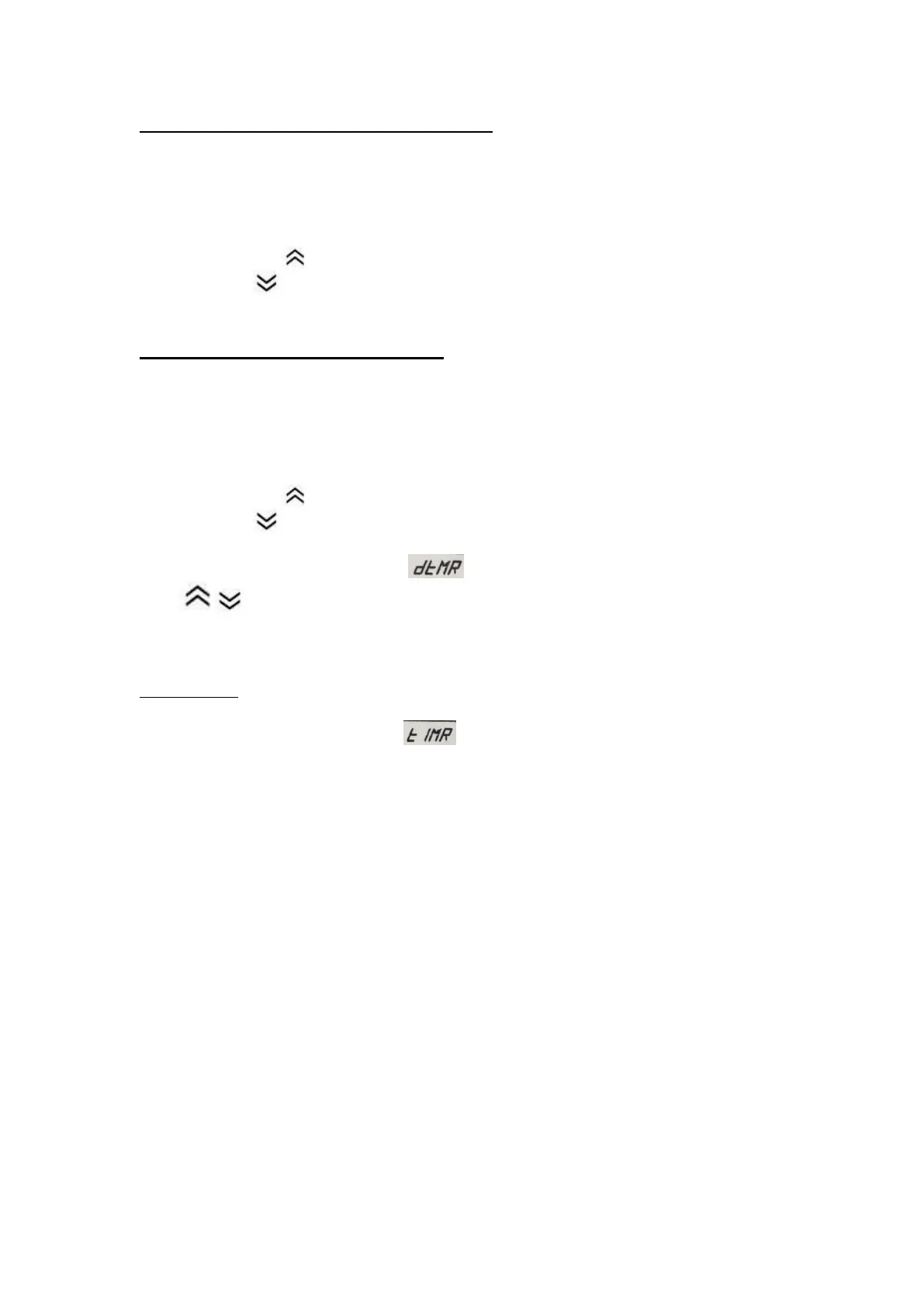
Setting the Temperature (Continuous mode)
Put the front switch on CONTINUES
Turn on the temperature controller/power switch. The temperature displays light up
and after a few seconds, the upper display shows the present value (PV) temperature.
The lower display shows the set value (SV) or set temperature.
Press to increase temperature gradually.
Press to decrease temperature gradually.
Setting the Temperature (timer mode)
Put the front switch on TIMER
Turn on the temperature controller/power switch. The temperature displays light up
and after a few seconds, the upper display shows the present value (PV) temperature.
The lower display shows the set value (SV) or set temperature.
Press to increase temperature gradually.
Press to decrease temperature gradually.
Press number ③ twice. PV display , SV display 1.0
Press to increase or decrease time gradually. Setting time upon what you
need.
The timer will start from the temperature reach setting.
For example:
1.5 = 90 seconds (1.5 minutes), 1.0 = 60 seconds (1.0 minutes) 0.5 = 30 seconds.
Press number ③ once. PV display , and SV display 1.0 → It mean the time
will counting down 1 min after temperature reach to the setpoint.


 To Next Page