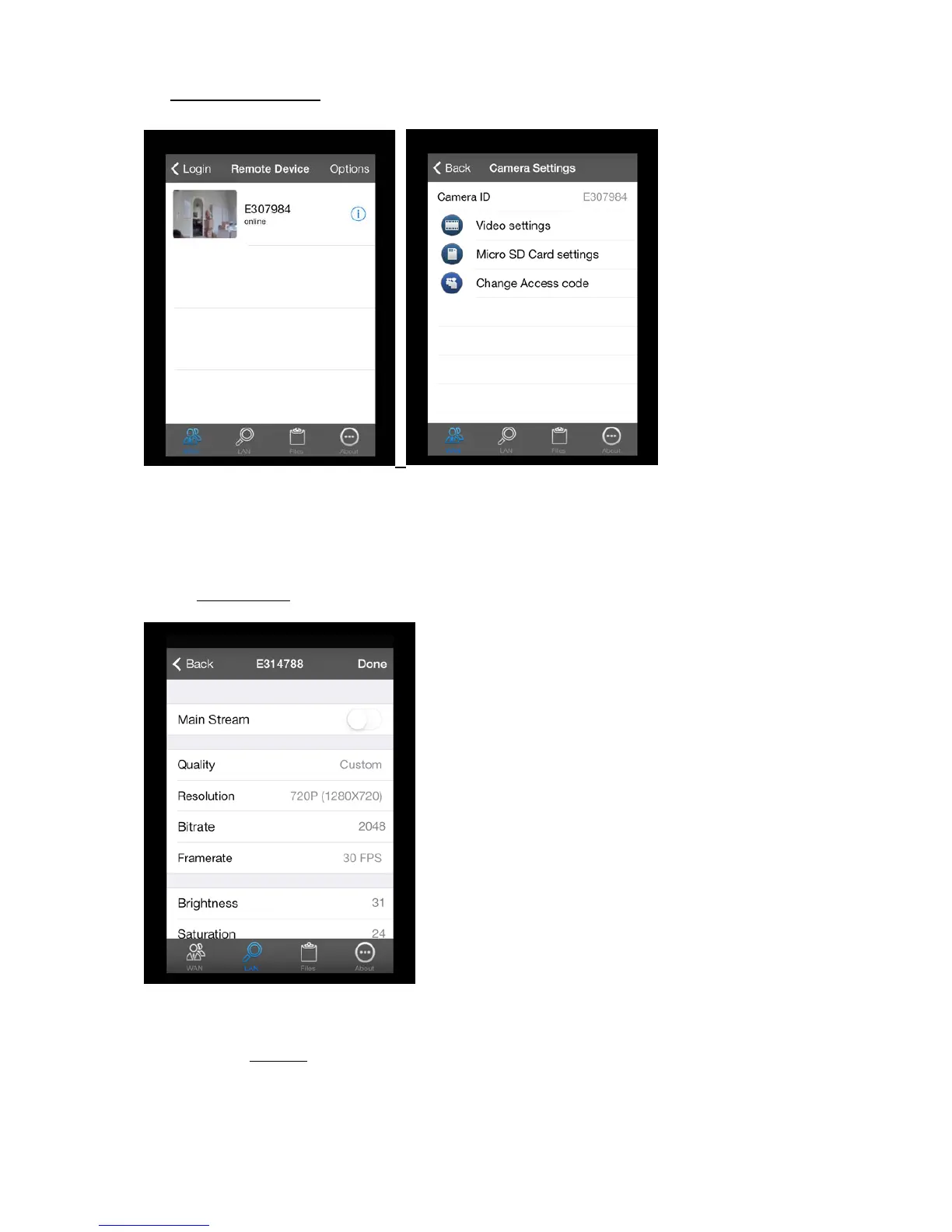
5.3. WAN Camera settings:
You can change the settings of each camera by right clicking on the
symbol next to the camera
icon.
5.3.1. Setting options:
5.3.1.1. Video Settings
In the video settings menu you can change following settings:
Quality: To change the quality of the images from the camera you can choose between
o Custom: With the option “Custom” you can change the resolution, bitrate and
framerate yourself.
18


 To Next Page