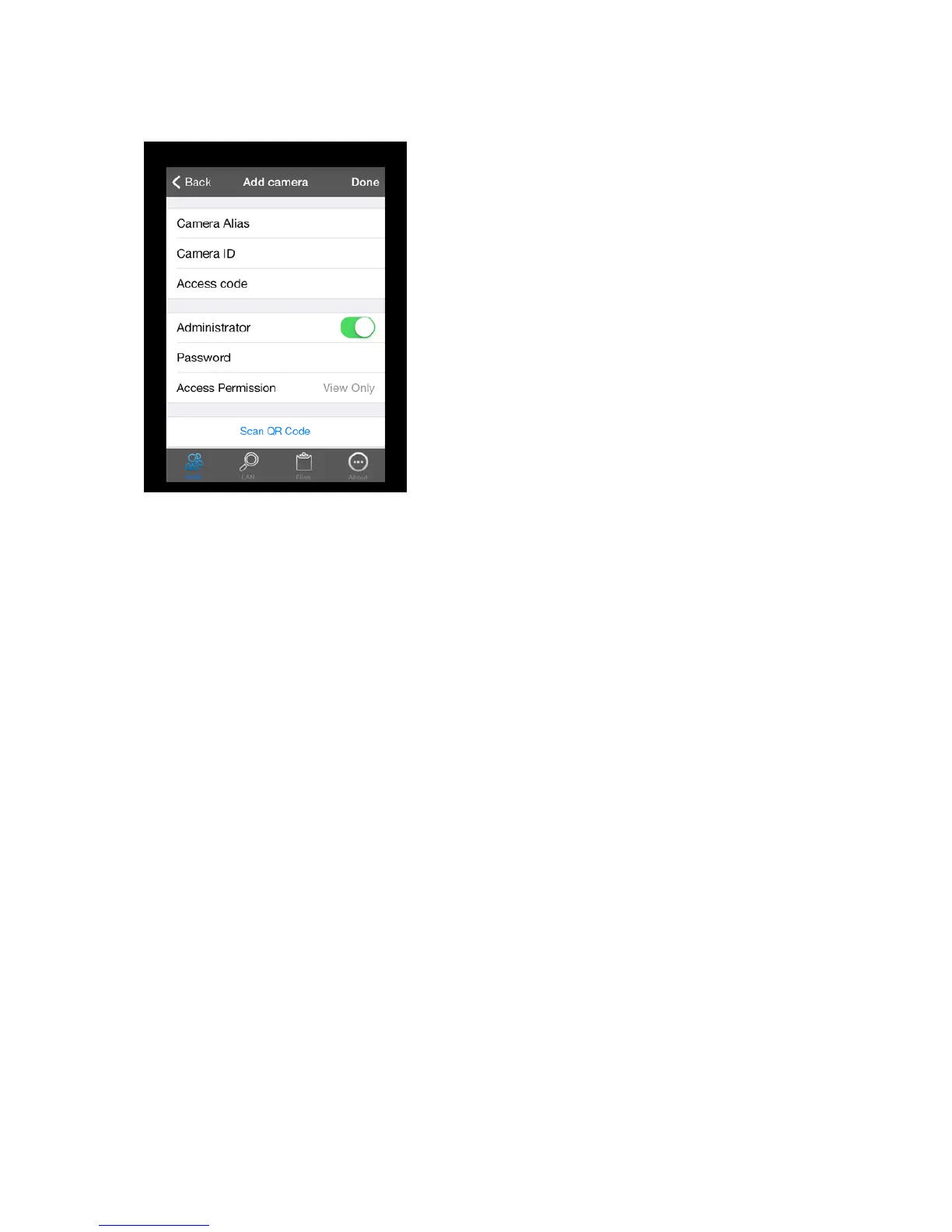
Fill in an alias (new name) for your camera, the camera ID (on the bottom of your IP camera) and the
access code or scan the QR-code by pressing “Scan QR-Code”.
When you mark “Administrator” you can set up administrator rights to that specific camera. Fill in a
new password for logging into your IP camera. You can choose for view only or view and operate
with the new password. This means that when you choose for view only that when you log in with
the new password you can only view de footage of the camera. If you choose view and operate, you
can view and also change the settings of the camera.
22


 To Next Page