3-16
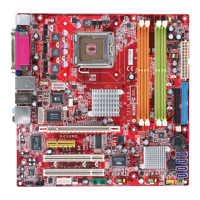
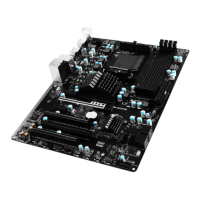
MS-7177 M-ATX Mainboard
Onboard Lan Boot ROM
This item is used to decide whether to invoke the Boot ROM of the Onboard LAN Chip.
Settings: [Enabled], [Disabled].
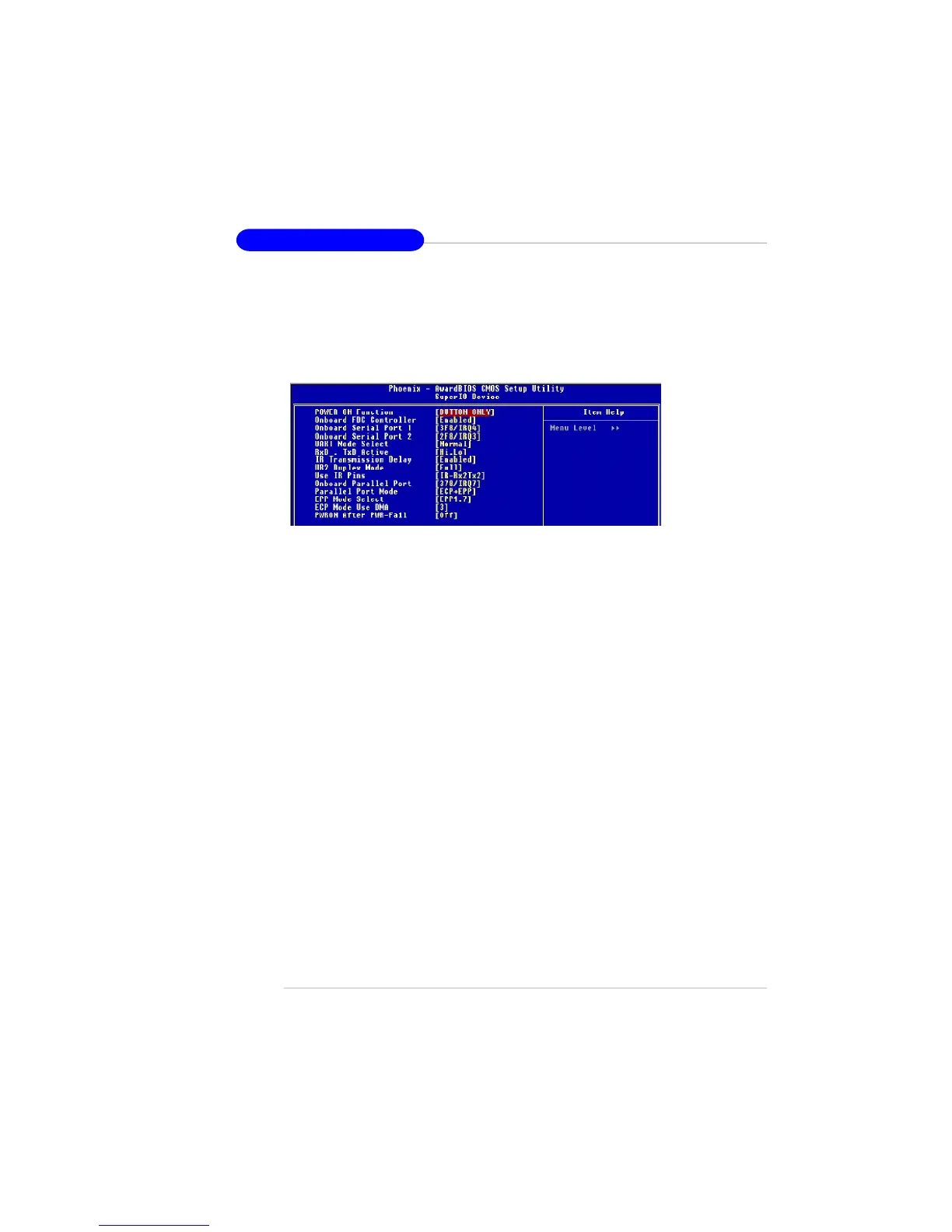
SuperIO Device
Press <Enter> to enter the sub-menu and the following screen appears:
POWER ON Function
This controls how the PS/2 mouse or keyboard can power on the system.
Setting options: [BUTTON ONLY].
Onboard FDC Controller
Select [Enabled] if your system has a floppy disk controller (FDC) installed on the
system board and you wish to use it. If you install add-on FDC or the system has
no floppy drive, select [Disabled] in this field. Setting options:[Disabled], [Enabled].
Onboard Serial Port 1/ 2
These items specify the base I/O port addresses of the onboard Serial Port 1
(COM1)/ Serial Port 2 (COM2). Selecting [Auto] allows BIOS to automatically
determine the correct base I/O port address. Setting options: [Auto], [3F8/IRQ4],
[2F8/IRQ3], [3E8/IRQ4], [2E8/IRQ3], [Disabled].
UART Mode Select
This setting allows you to specify the operation mode for serial port 2. Setting
options:
[Normal] RS-232C Serial port
[IrDA] IrDA-compliant Serial Infrared Port
[ASKIR] Amplitude Shift Keyed Infrared Port
RxD , TxD Active
This setting controls the receiving and transmitting speed of the IR peripheral in
use. Setting options: [Hi,Hi], [Hi,Lo], [Lo,Hi], [Lo,Lo],
IR Transmission Delay
This setting determines whether the IR transmission rate will be delayed while
converting to receiving mode. Setting options: [Disabled], [Enabled].


 To Next Page