3-20 3-21
How to Get Started
About M.2 SSD Slot
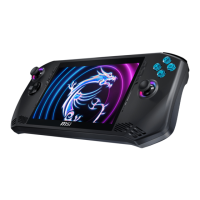
MSI Claw may be equipped with M.2 SSD slots for M.2 SSD cards, which are compatible
with SATA or PCIe interfaces, providing diverse features and usages to users. Consult an
authorized retailer or service center for correct specifications and installations.
How to Connect External Devices
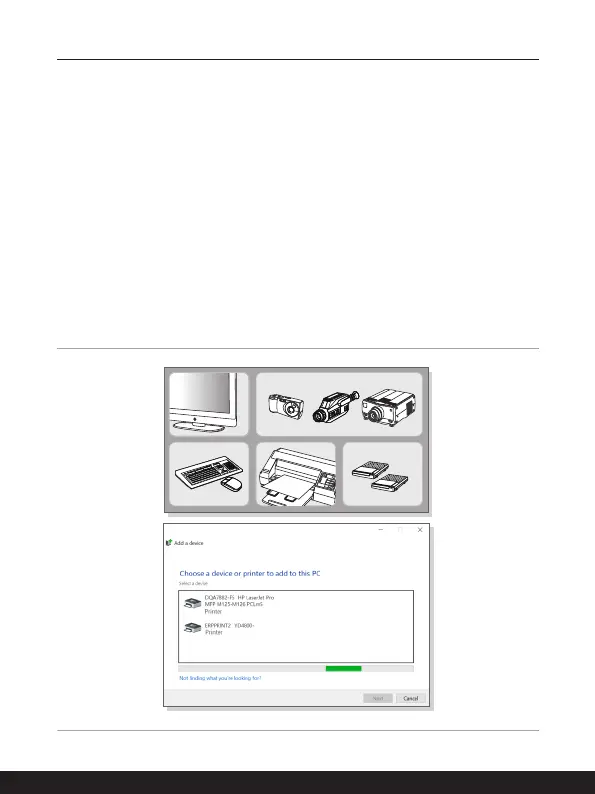
MSI Claw is equipped with USB port, allowing users to connect diverse peripheral devices
to it.
To connect these peripheral devices, refer to the instruction manuals of each device
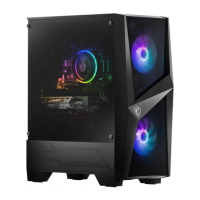
first, and then connect the device to MSI Claw. MSI Claw is capable to auto detect the
connected devices, and if there is no detection of the devices, please manually enable the
devices by going to [Start Menu/ Windows System/ Control Panel/ Hardware and Sound/
Add a device] to add the new devices.


 To Next Page