3-28
Getting Started
Gestures Actions Functions
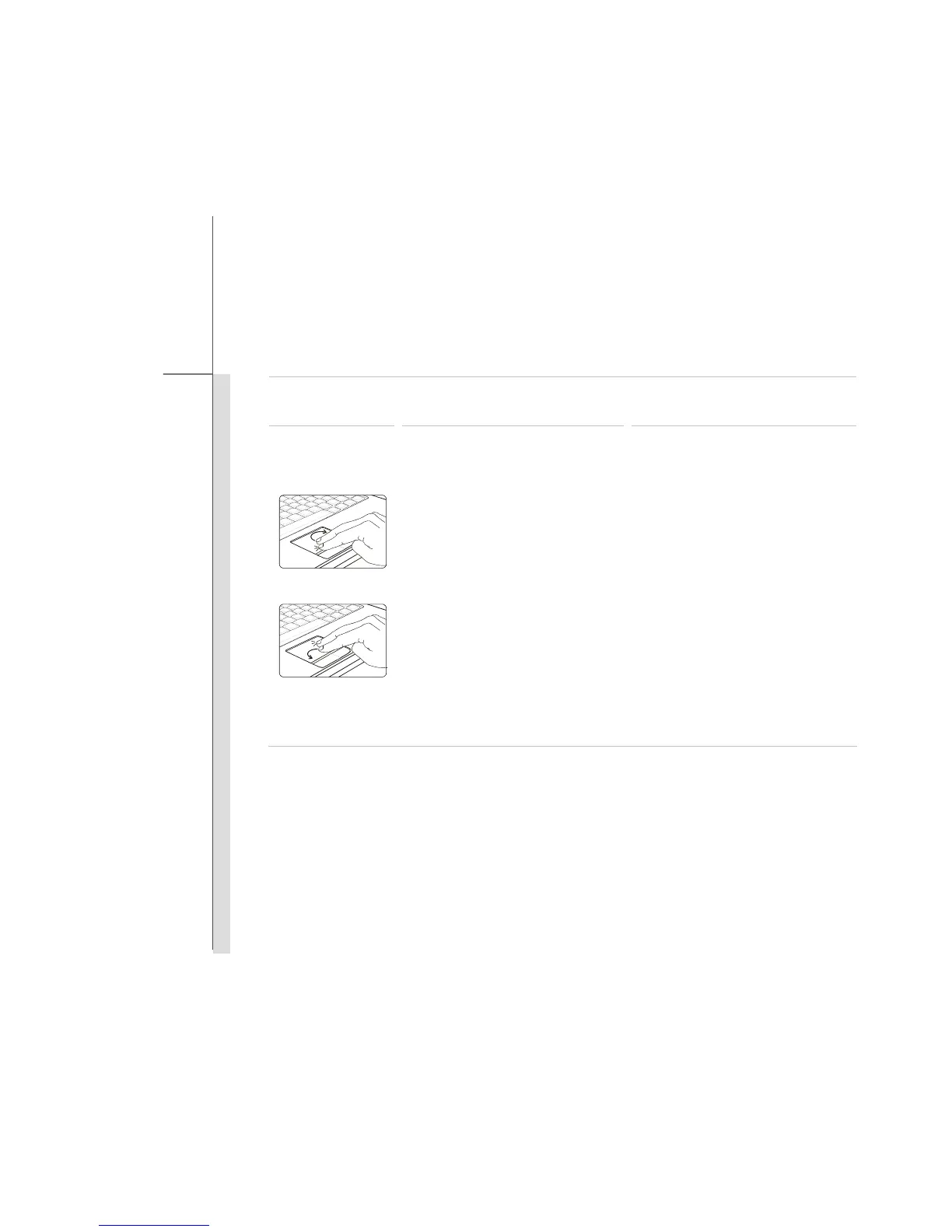
Touch the touchpad with two
fingers and remain both fingers
on the touchpad.
Move a finger clockwise while
another remains still to rotate a
selected object clockwise.
Refer to the first gesture.
Move a finger counterclockwise
while another remains still to
rotate a selected object
counterclockwise.
Refer to the second gesture.
Rotating a selected object
clockwise or counterclockwise.



 To Next Page