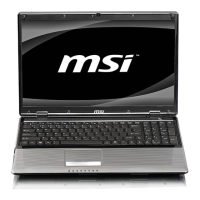
CX61/CR61 (MS-16GB)Disassembly Guide
4、THERMAL-KIT、CPU 、DRAM AND WIRELESS
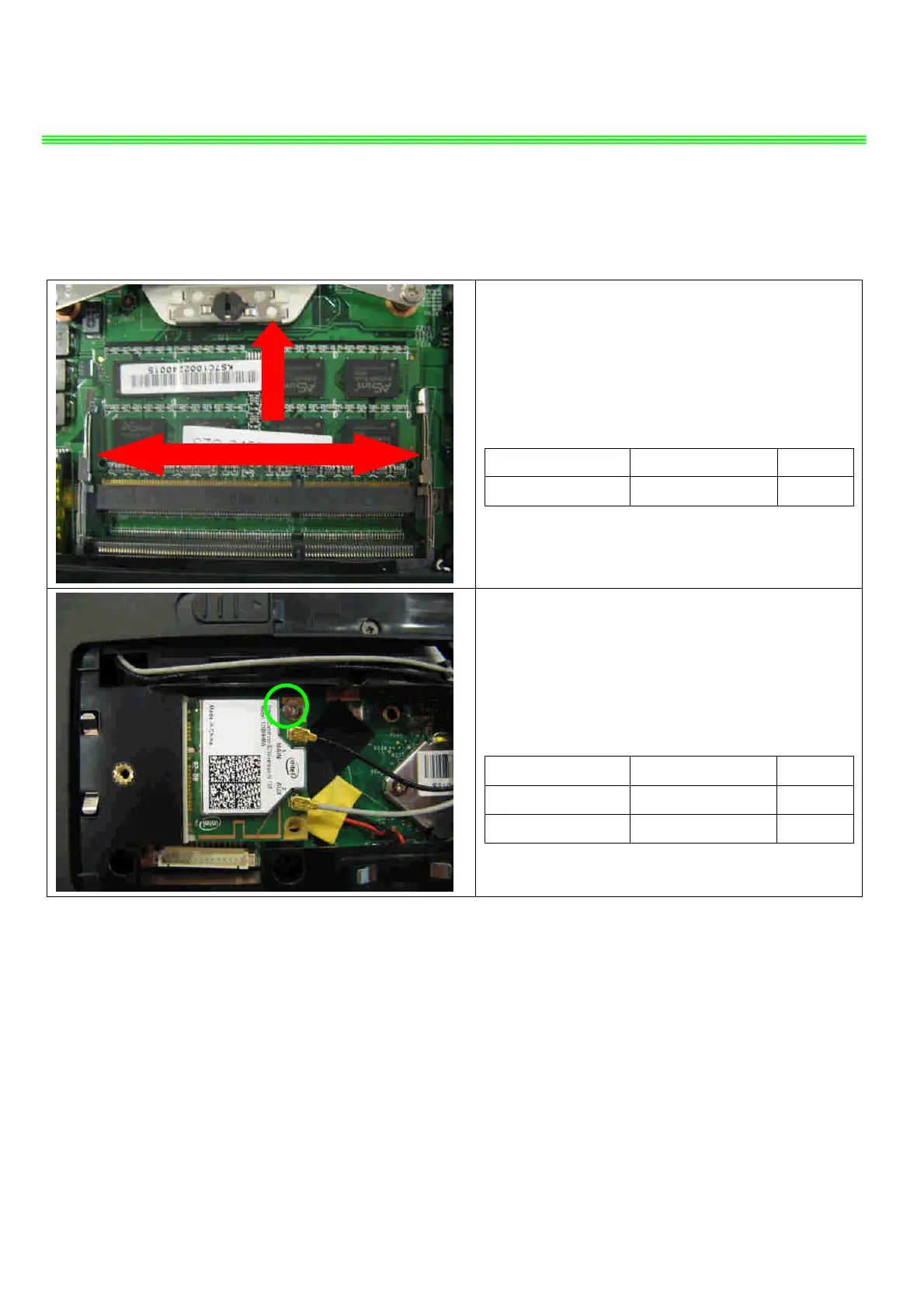
4.4:Push the two side shielding of RAM as pic
shows; Then remove the RAM module according
the direction as pic shows.
Component P/N Qty
RAM Module S7C-S459H04-E54 1
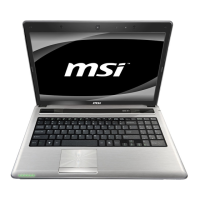
4.5:Remove 1 screw (M2*3mm); then remove the
two side wireless card antenna as pic shows.
Attention: the screw driver torque is: 1.5-2.0Kgf-cm
Component P/N Qty
WLAN Module OS5-1762002 1
Screw E43-1203003-H29 1


 To Next Page