2-10
Introductions
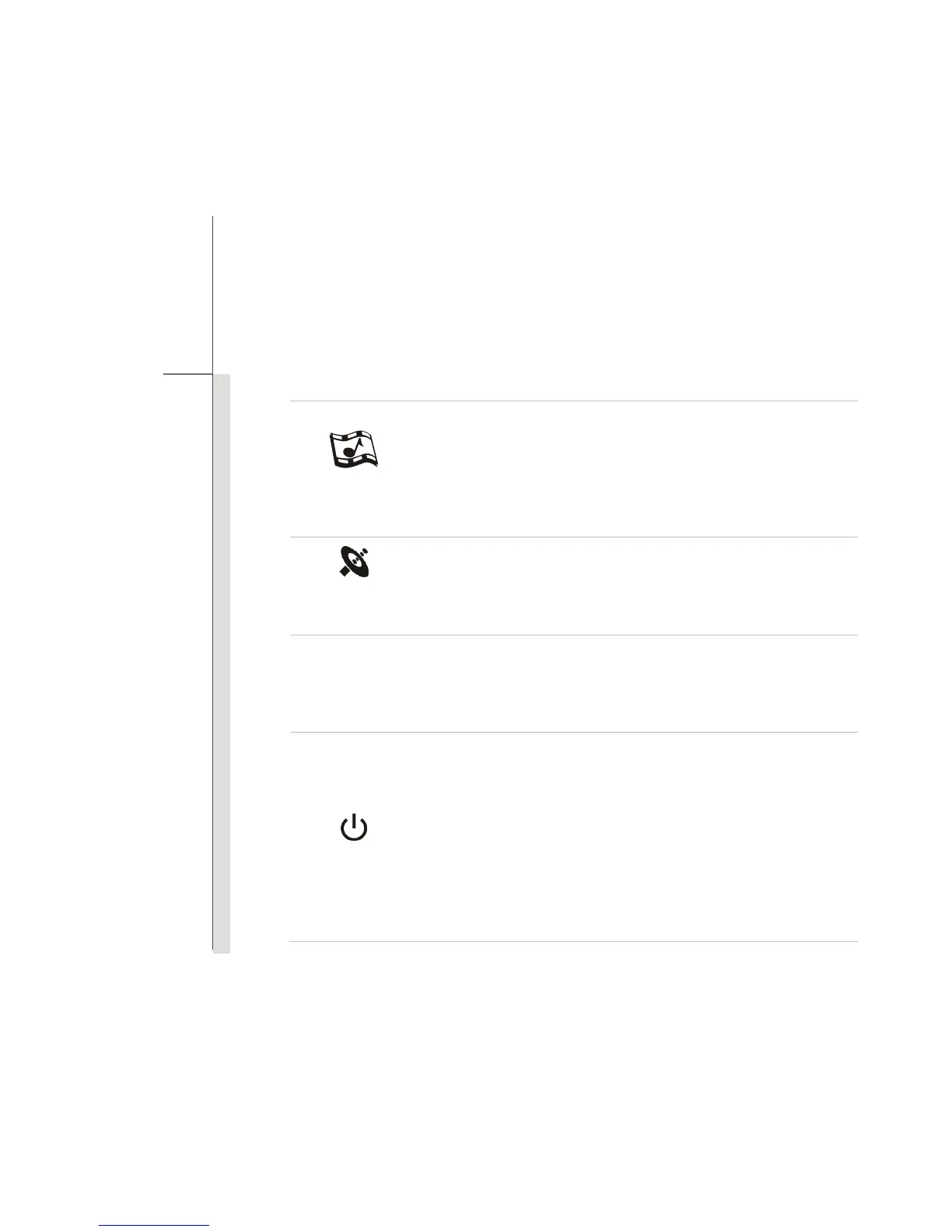
Cinema Pro
Press this button to activate the Cinema Pro function which
enhances the playback quality from your display device and sound
system. Press again to turn this function off.
Read the icon on behalf of the Cinema Pro function appearing on
the display to learn the function status.
Wireless LAN
(optional)
Press this button to launch the Wireless LAN function.
P1
TDE
(Turbo Drive
Engine)
When AC power is connected, press this button to activate the TDE
function. With this function activated, the TDE function will bring
advanced calculating speed to enhance the system performance.
Power Button
Press the power button to turn the notebook power ON and OFF.
Press the power button to awake the notebook from the sleep state.
Power/ Power Saving function LED
Glowing blue when the notebook power is turned on.
LED goes off when this function is turned off.
The Power and Sleep State LED blinks blue at the same time, when
the system is currently in the Sleep state.



 To Next Page