2-11
Introductions
4. Touchpad Switch
This switch can be used to enable or disable the touchpad. There is an optional LED on the
button, glows when the touchpad is disabled.
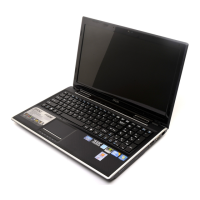
5. Touchpad
This is a pointing device of the notebook.
6. Keyboard
The built-in keyboard provides all the functions of a full-sized keyboard.
Quick Launch [Fn] Buttons
Use the [Fn] buttons on the keyboard to activate the specific applications or tools.
With the help of these quick launch buttons, users will be able to do work more efficiently.
The descriptions mentioned here are for reference only, and may be optional supported
depending on the models users purchased.
+
Smart Pad
Press and hold the Fn button, and then press the F3 button
repeatedly to enable or disable the Smart Pad function recurrently.
There is an optional LED on the button, glows when the touchpad
is disabled.



 To Next Page