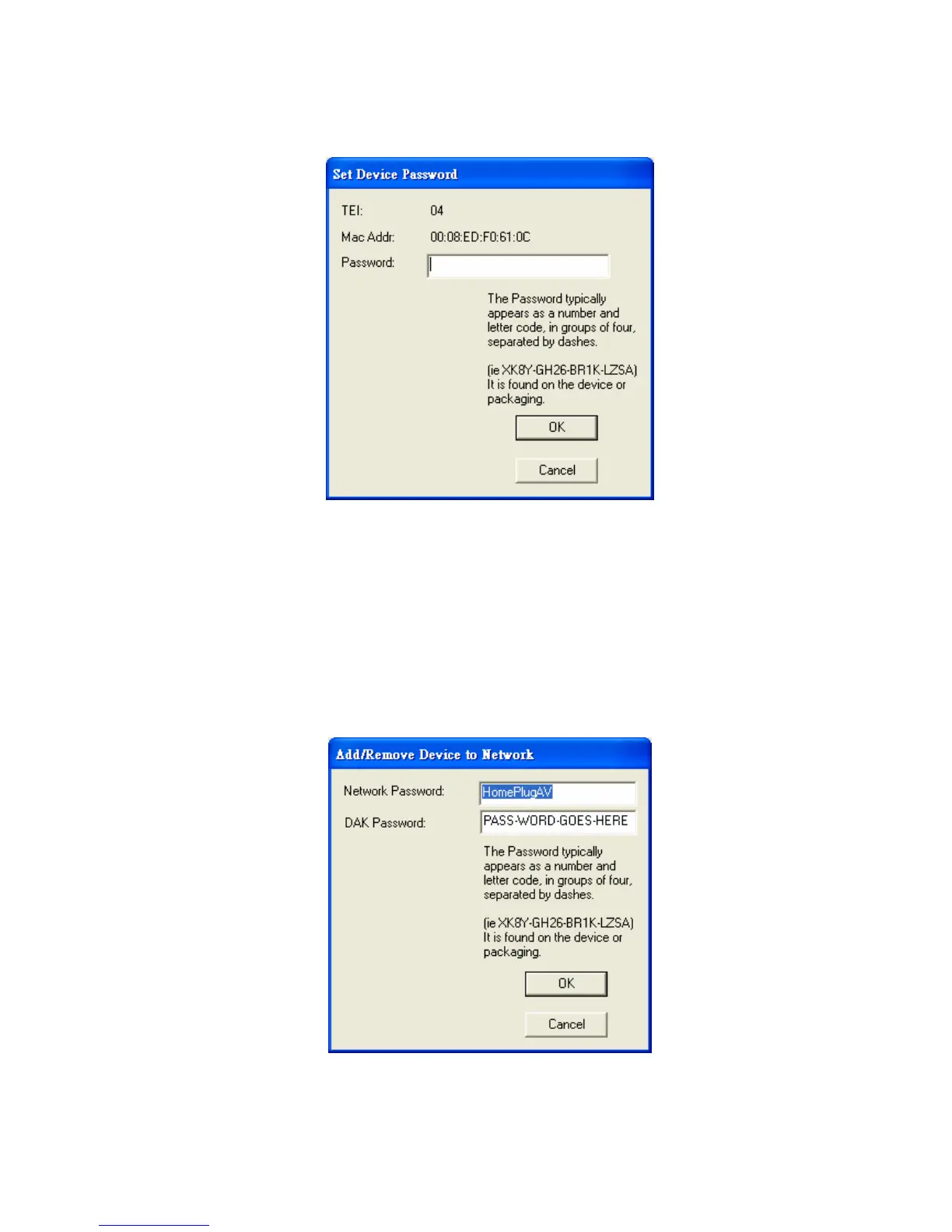
Figure 6: Set Device Password
“Add” button
The “Add” button is used to add a remote device which is not listed in the lower
window to your logical network (for example, a device is currently in another logical
network). You can click the “Add” button to add the device to your logical network.
The dialog box in Figure 7 is shown after clicking the “Add” button, and it allows you
to enter both the device name and the password. The device will be added to your
logical network only if the Network and DAK passwords are both correct. Like the
“Enter Password” function, incorrect passwords will be warned and denied.
Figure 7: Add Remote Device
9



 To Next Page