9
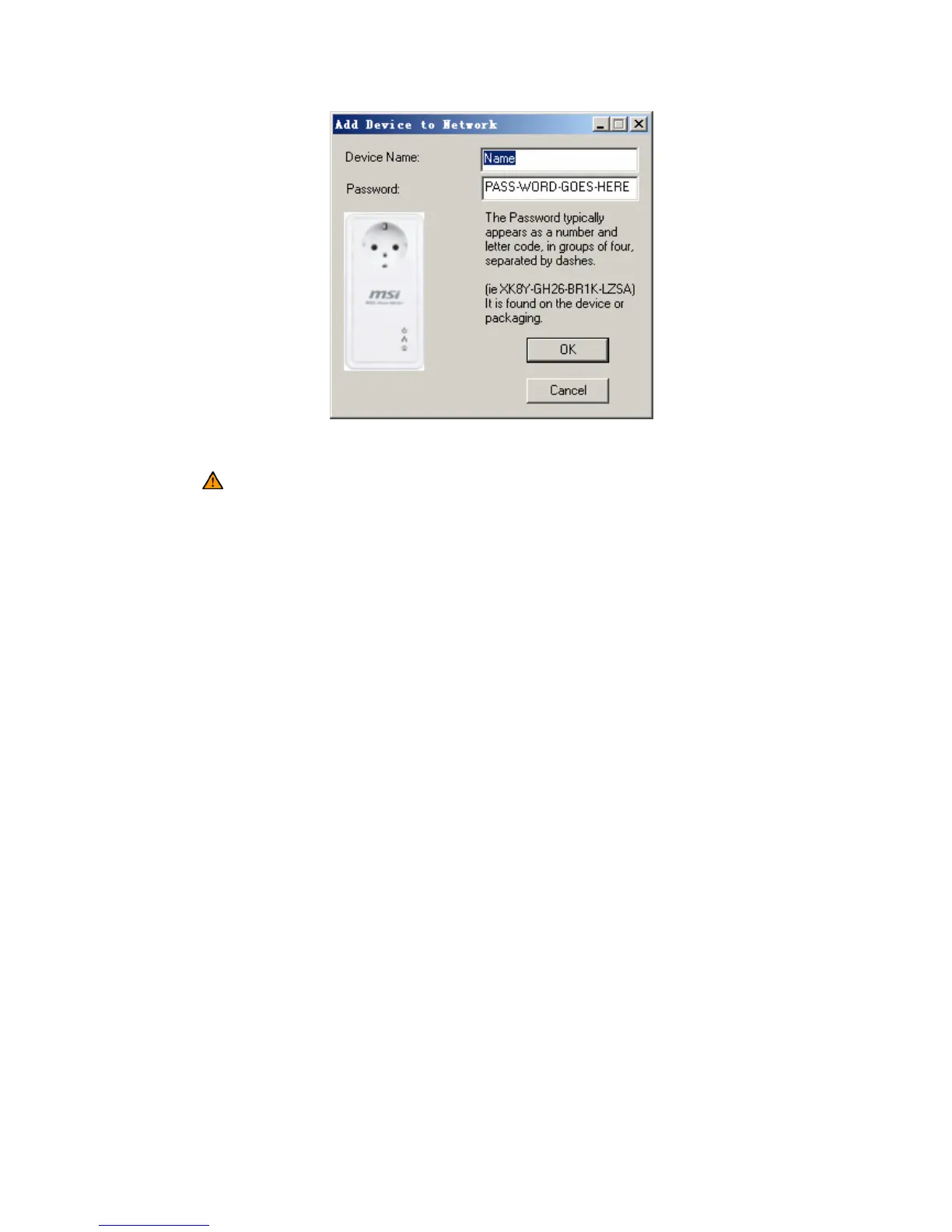
Figure 5-3: Add Remote Device
Note: The device must be present on the power line (plugged in) in order for the
password to be confirmed and added to the network. If the device could not be located, a
warning message will be shown.
Scan
This button is used to perform an immediate search of the HomePlug devices
connected to the Powerline network. By default, the utility automatically scans every
few seconds and updates the display screen.



 To Next Page