Hardware Setup
2-5
Memory
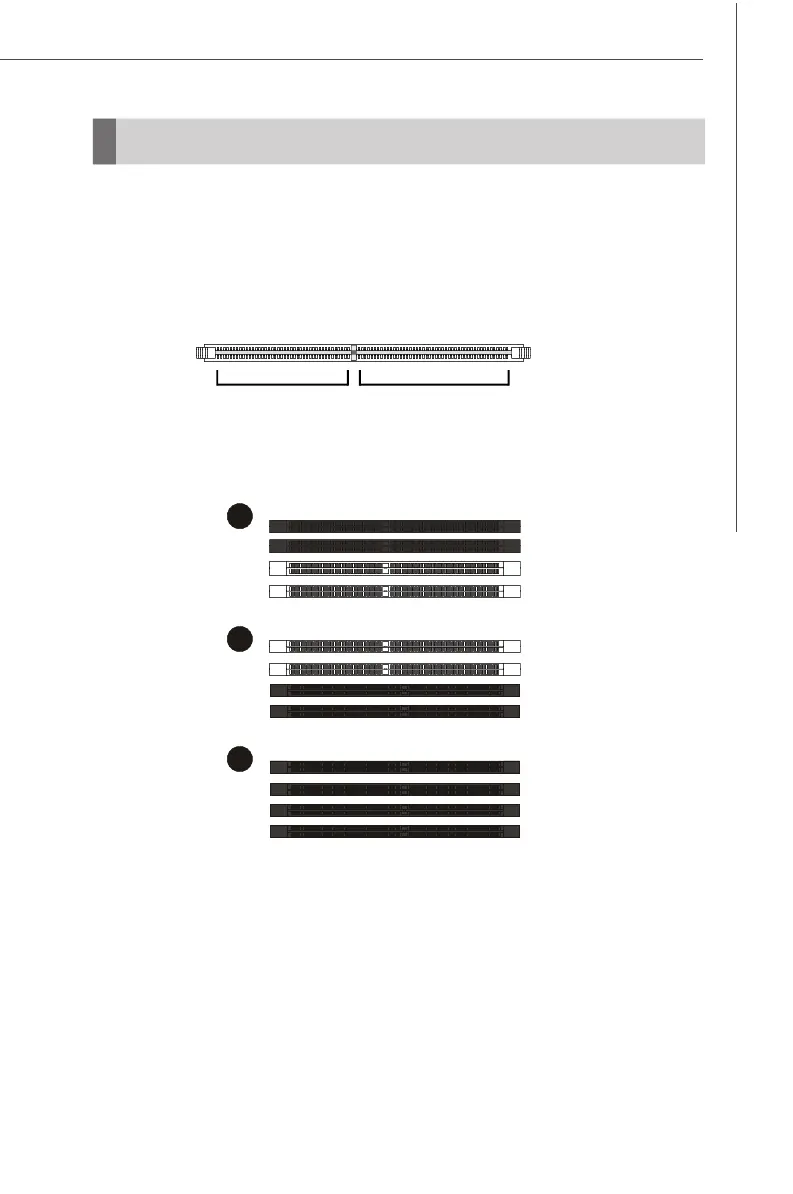
Dual-Channel Memory Population Rules
DIMM1
DIMM2
DIMM3
DIMM4
DIMM1
DIMM2
DIMM3
DIMM4
DIMM1
DIMM2
DIMM3
DIMM4
DIMM1~4
240-pin, 1.8V
56 x 2 = 112-pins
64 x 2 = 128-pins
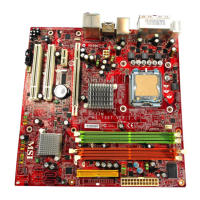
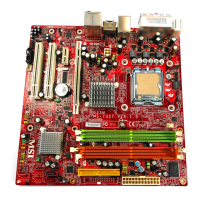
The mainboard provides 4 slots for 240-pin non-ECC DDR2 400/533/667/800 DIMMs,
which supports the memory size up to 4GB. Since DDR2 modules are not inter-
changeable with DDR and the DDR2 standard is not backward compatible, you should
always install DDR2 memory module in the DDR2 slot (DIMM1~4). Otherwise, you are
not able to boot up your system and your mainboard might be damaged.



 To Next Page