En-5
Englsh
cpu (central proceSSinG unit)
When you are nstallng the CPU, make sure to nstall the cooler to prevent overheatng.
If you do not have the CPU cooler, consult your dealer before turnng on the computer.
For the latest nformaton about CPU, please vst
http://www.ms.com/servce/cpu-support
Important
Overheatng
Overheatng wll serously damage the CPU and system. Always make sure the coolng
fan can work properly to protect the CPU from overheatng. Make sure that you apply
an even layer of thermal paste (or thermal tape) between the CPU and the heatsnk to
enhance heat dsspaton.
Replacng the CPU
Whle replacng the CPU, always turn o the ATX power supply or unplug the power
supply’s power cord from the grounded outlet rst to ensure the safety of CPU.
Overclockng
Ths manboard s desgned to support overclockng. However, please make sure your
components are able to tolerate such abnormal settng, whle dong overclockng. Any
attempt to operate beyond product speccatons s not recommended. We do not guar
-
antee the damages or rsks caused by nadequate operaton or beyond product spec-
catons.
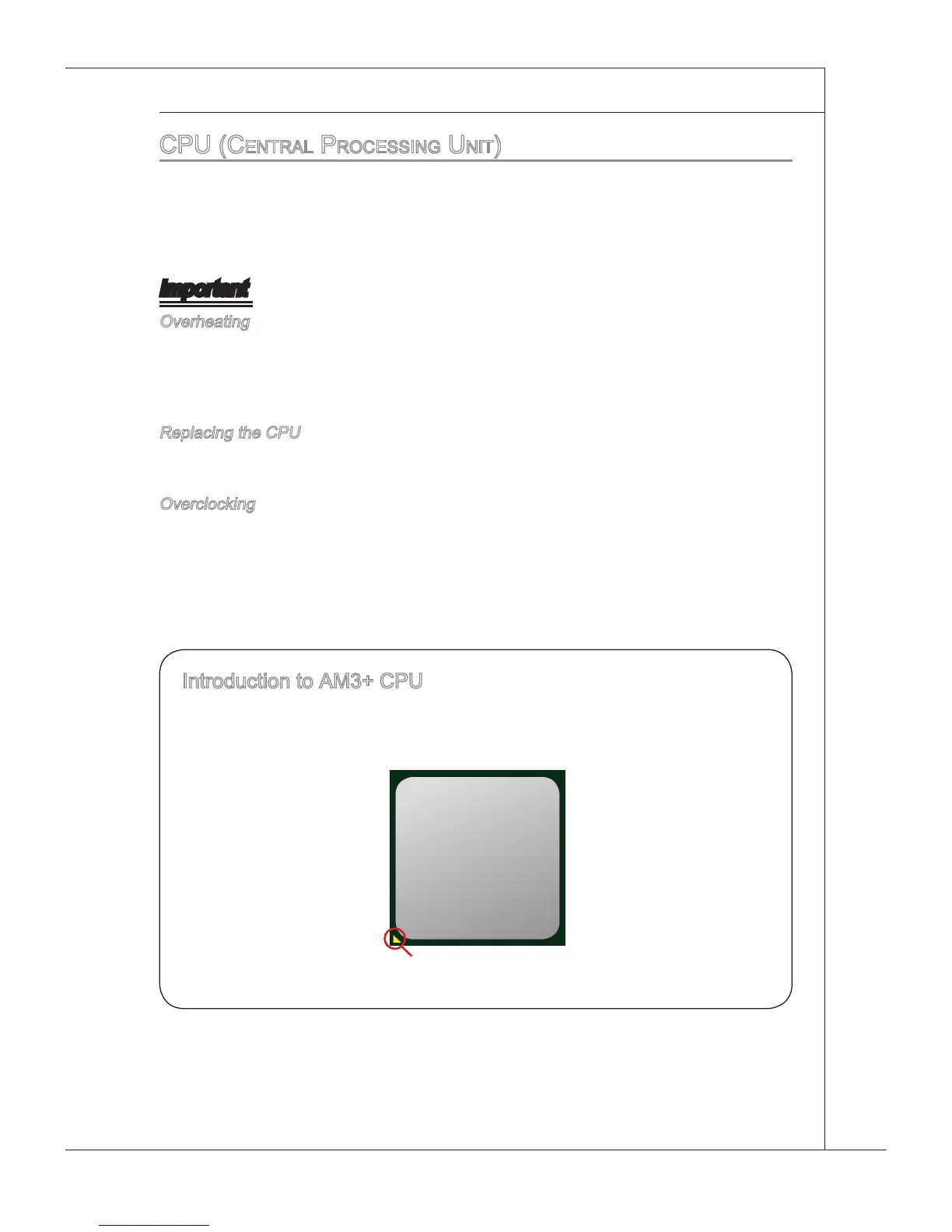
Gold arrow
Introducton to AM3+ CPU
The surface of CPU. Remember to apply some thermal paste on t for better heat
dsperson.



 To Next Page