EasyManua.ls Logo

MSI MS-7599 - POWER SUPPLY CONNECTOR GUIDE; ATX 24-pin and 8-pin Power Connections

MSI MS-7599
154 pages
Print Icon
To Next Page IconTo Next Page
To Previous Page IconTo Previous Page
Loading...
En-10
MS-7599 Manboard
power Supply
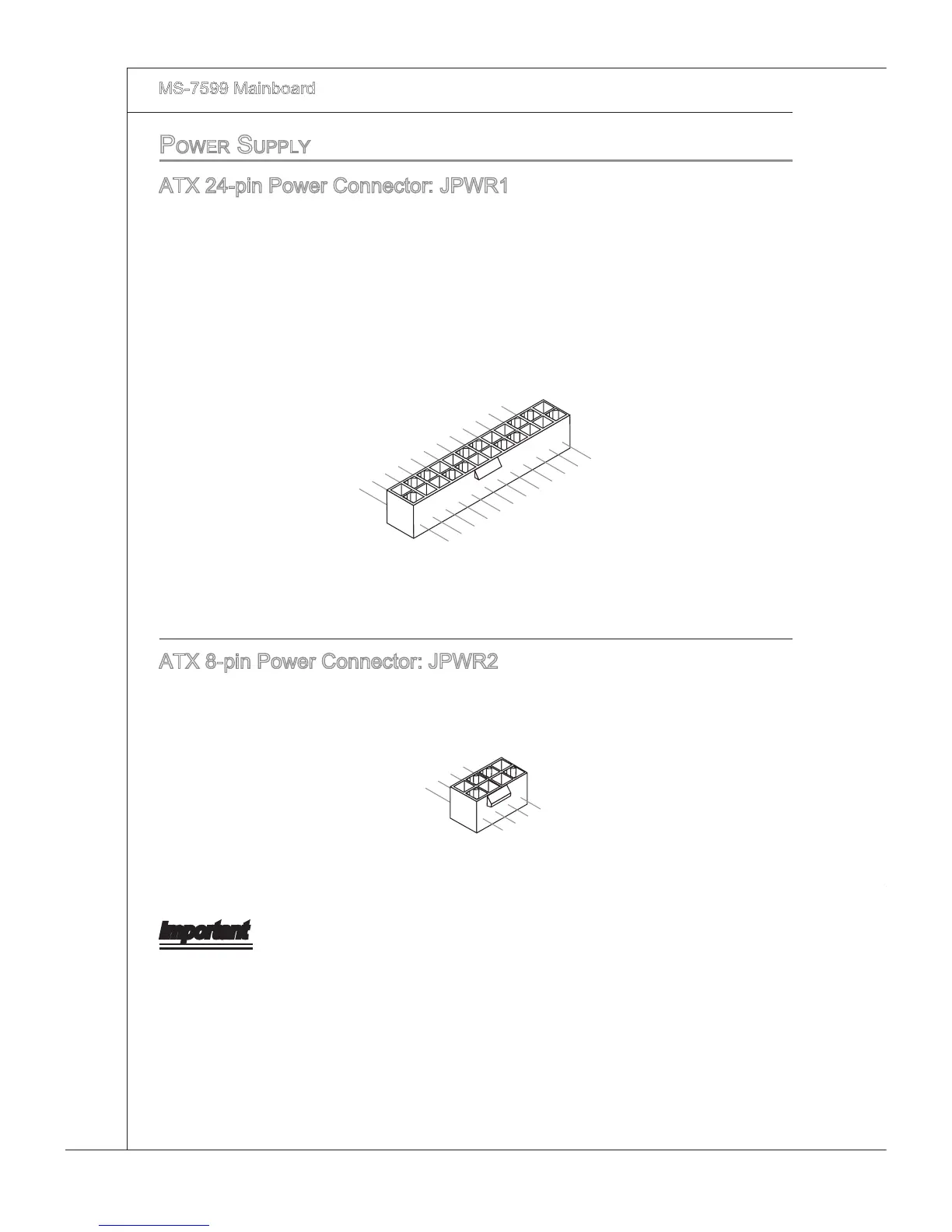
ATX 24-pn Power Connector: JPWR1
Ths connector allows you to connect an ATX 24-pn power supply. To connect the ATX
24-pn power supply, make sure the plug of the power supply s nserted n the proper
orentaton and the pns are algned. Then push down the power supply 󰘰rmly nto the
connector.
You may use the 20-pn ATX power supply as you lke. If you’d lke to use the 20-pn
ATX power supply, please plug your power supply along wth pn 1 & pn 13.
13.+3.3
V
1.+3.3
V
14.-12V
2.+3.3
V
15.Ground
3
.Ground
16.PS-ON
#
4.+5
V
17.Ground
5
.Ground
18.Ground
6.+5
V
19.Ground
7
.Ground
22.+5
V
10.+12V
20.Res
8.PW
R O
K
23.+5
V
11
.+12V
21.+5
V
9.5VSB
24.Ground
12.+3.3
V
ATX 8-pn Power Connector: JPWR2
Ths connector s used to provde +12V power.
7.+12V
3.Ground
5.+12V
1.
Ground
8.+12V
4
.Ground
6.+12V
2
.Ground
Important
Make sure that all the connectors are connected to proper ATX power supples to
ensure stable operaton of the manboard.

Other manuals for MSI MS-7599

Related product manuals