En-7
Englsh
Important
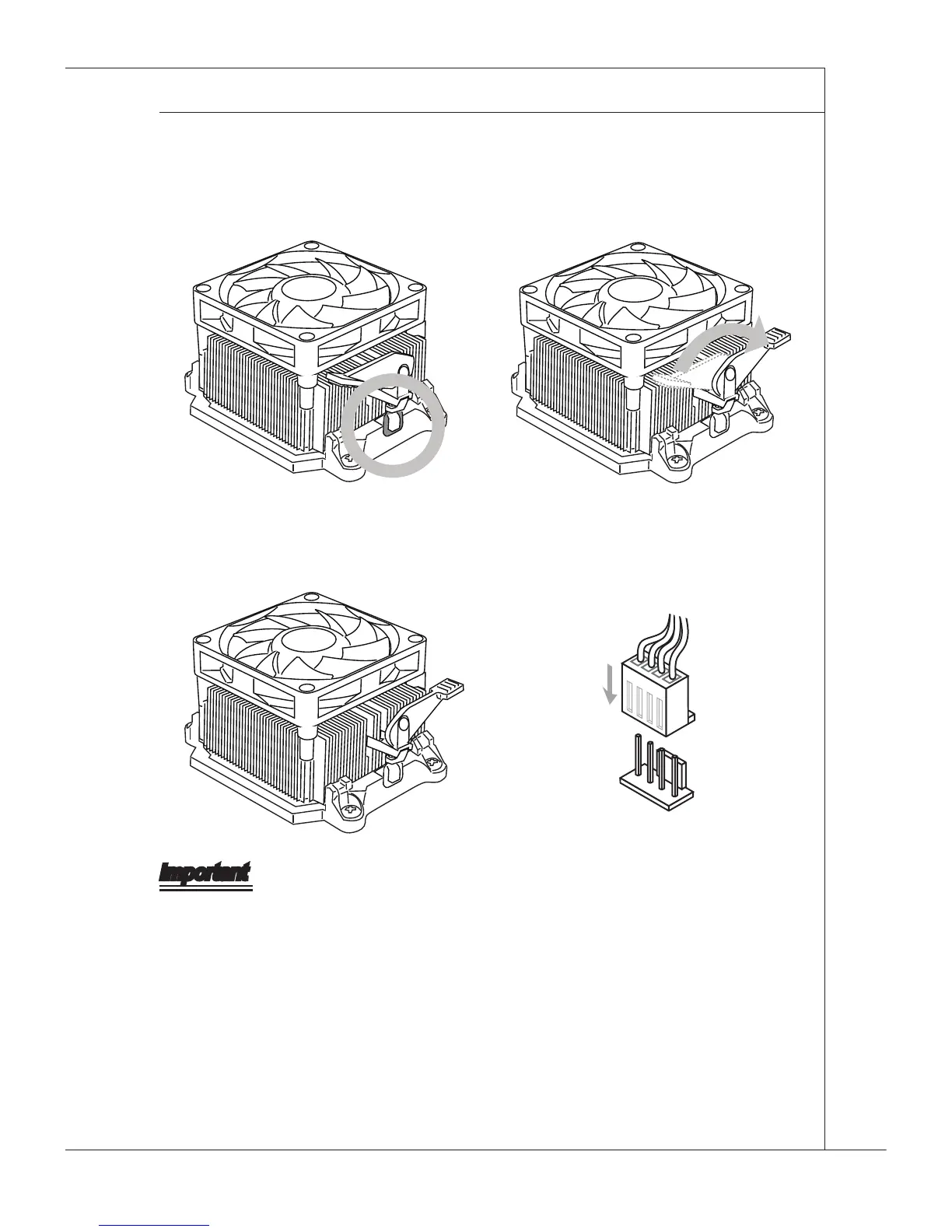
Whle dsconnectng the Safety Hook from the xed bolt, t s necessary to keep an eye
on your ngers, because once the Safety Hook s dsconnected from the xed bolt, the
xed lever wll sprng back nstantly.
Poston the coolng set onto the
retenton mechansm.
Hook one end of the clp to hook
rst.
5. Then press down the other end of the
clp to fasten the coolng set on the
top of the retenton mechansm.
Locate the Fx Lever and lft up t.
6.
Fasten down the lever.7. Attach the CPU Fan cable to the CPU
fan connector on the manboard.
8.



 To Next Page