En-12
MS-7599 Manboard
▍
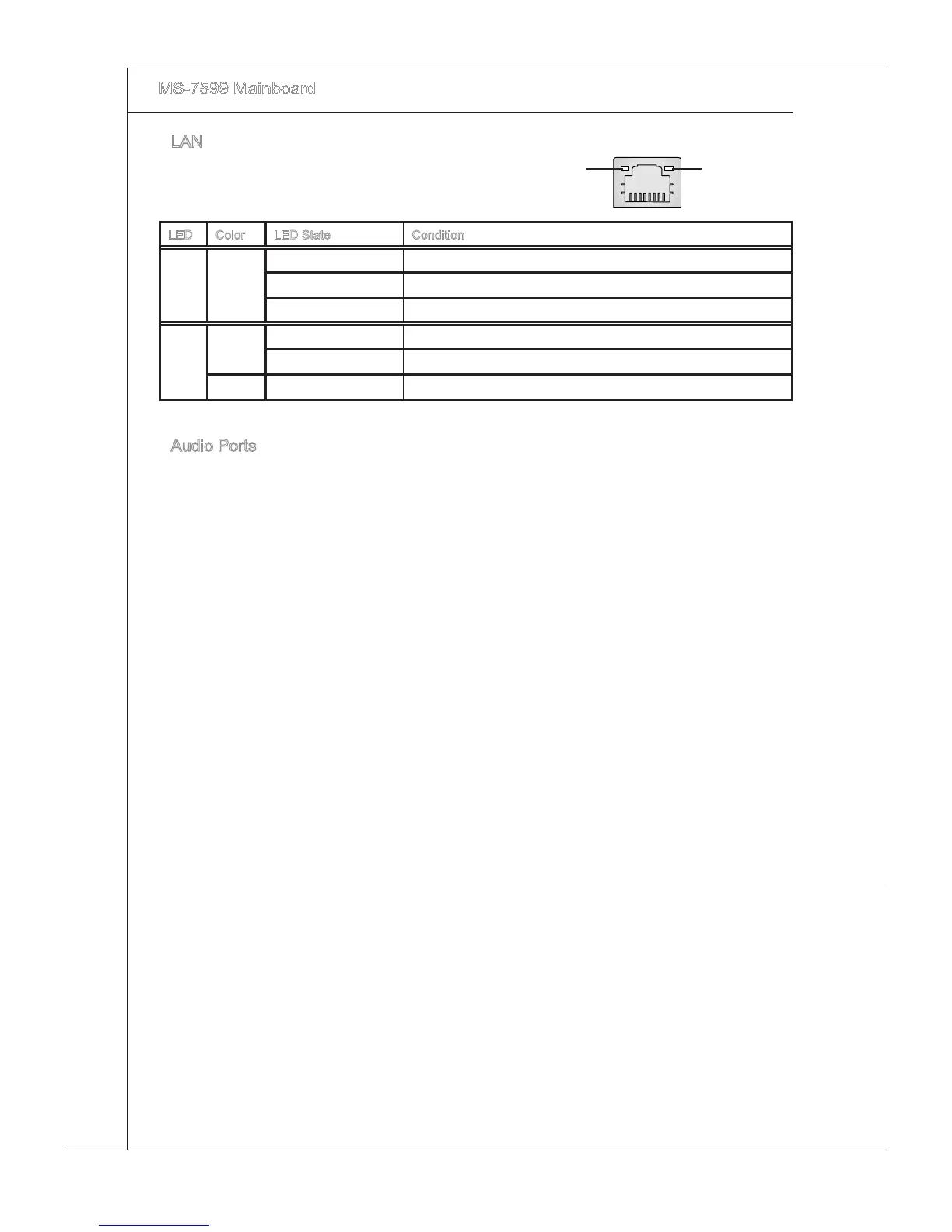
LAN
The standard RJ-45 LAN jack s for connecton to
the Local Area Network (LAN). You can connect a
network cable to t.
LED Color LED State Condton
Left Yellow O LAN lnk s NOT establshed.
On(Steady state) LAN lnk s establshed.
On(brghter & pulsng) The computer s communcatng wth another computer on the LAN.
Rght
Green O 10 Mbts/sec data rate s selected.
On 100 Mbts/sec data rate s selected.
Orange On 1000 Mbts/sec data rate s selected.
Audo Ports
These audo connectors are used for audo devces. It s easy to derentate between
audo eects accordng to the color of audo jacks.
Lne-In (Blue) - Lne In, s used for external CD player, tape-player or other
audo devces.
Lne-Out (Green) - Lne Out, s a connector for speakers or headphones.
Mc (Pnk) - Mc, s a connector for mcrophones.
RS-Out (Black) - Rear-Surround Out n 4/ 5.1/ 7.1 channel mode.
CS-Out (Orange) - Center/ Subwoofer Out n 5.1/ 7.1 channel mode.
SS-Out (Gray) - Sde-Surround Out 7.1 channel mode.
▶
▶
■
■
■
■
■
■
Yellow Green/ Orange



 To Next Page