En-30
MS-7599 Manboard
▍
When enter the BIOS Setup utlty, follow the processes below for general use.
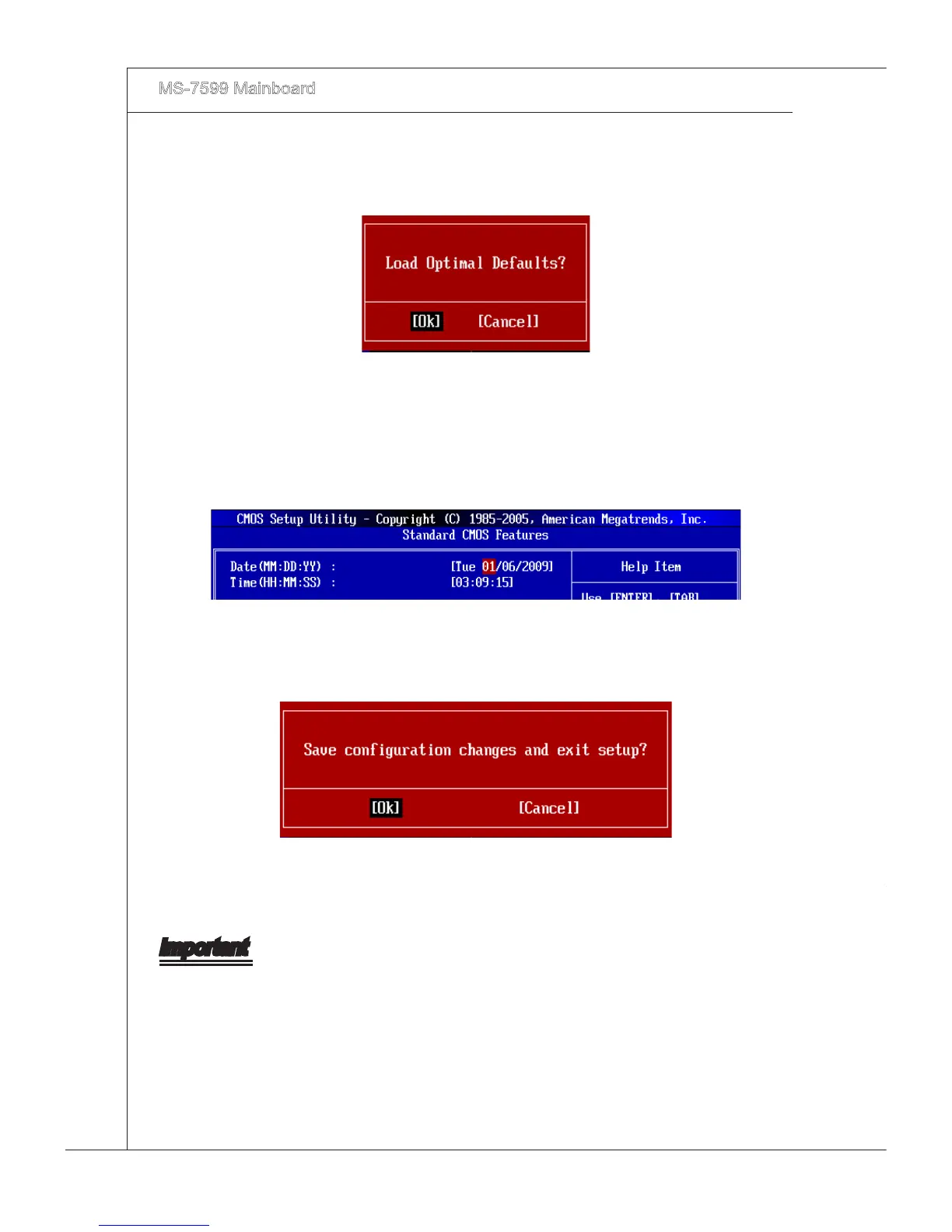
Load Optmzed Defaults : Use control keys (↑↓) to hghlght the Load Optmzed
Defaults eld and press <Enter> , a message as below appears:
1.
Select [Ok] and press Enter to load the default settngs for optmal system perfor-
mance.
Setup Date/ Tme : Select the Standard CMOS Features and press <Enter> to enter
the Standard CMOS Features-menu. Adjust the Date, Tme elds.
2.
Save & Ext Setup : Use control keys (↑↓) to hghlght the Save & Ext Setup eld
and press <Enter> , a message as below appears:
3.
Select [Ok] and press Enter to save the conguratons and ext BIOS Setup utlty.
Important
The conguraton above are for general use only. If you need the detaled settngs of
BIOS, please see the Englsh manual on MSI webste.



 To Next Page