3-7
BIOS Setup
▍
MS-91F7
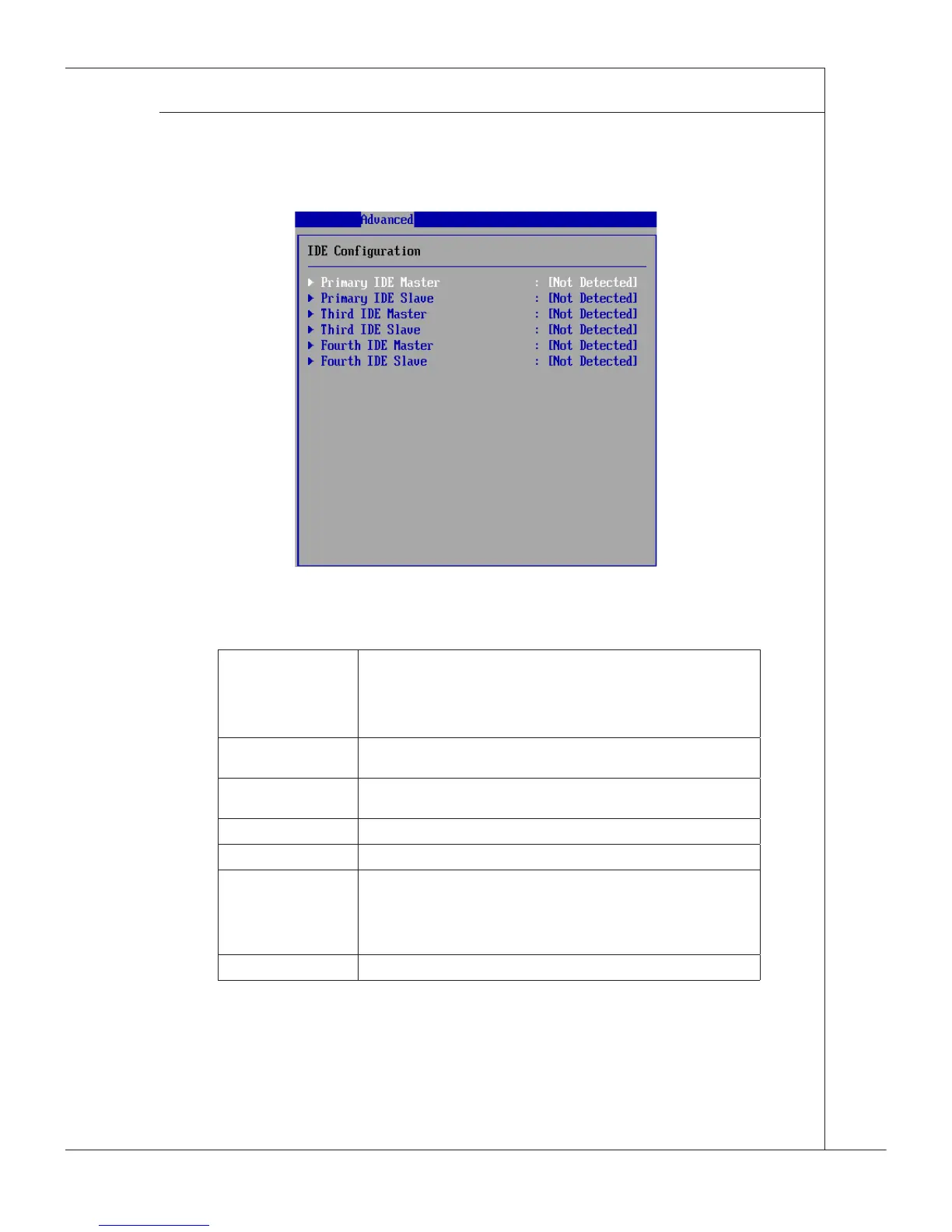
IDE Conguration
Primary/Third/Fourth IDE Master/Slave
[Type] Press PgUp/<+> or PgDn/<-> to select [Manual], [None] or [Auto] type.
Note that the specications of your drive must match with the drive
table. The hard disk will not work properly if you enter improper infor-
mation for this category. If your hard disk drive type is not matched or
listed, you can use [Manual] to dene your own drive type manually.
[LBA/Large Mode] Enabling LBA causes Logical Block Addressing to be used in place of
Cylinders, Heads and Sectors
[Block(Multi-Sector
Transfer)]
Any selection except Disabled determines the number of sectors trans-
ferred per block
[PIO Mode] Indicates the type of PIO (Programmed Input/Output)
[DMA Mode] Indicates the type of Ultra DMA
[S.M.A.R.T.] This allows you to activate the S.M.A.R.T. (Self-Monitoring Analysis &
Reporting Technology) capability for the hard disks. S.M.A.R.T is a util-
ity that monitors your disk status to predict hard disk failure. This gives
you an opportunity to move data from a hard disk that is going to fail to
a safe place before the hard disk becomes ofine.
[32 Bit Data Transfer] Enables 32-bit communication between CPU and IDE controller
▶
▶


 To Next Page