C
C
C
h
h
h
a
a
a
p
p
p
t
t
t
e
e
e
r
r
r
5
5
5
P
P
P
r
r
r
i
i
i
n
n
n
t
t
t
S
S
S
e
e
e
r
r
r
v
v
v
e
e
e
r
r
r
This product provides the function of network print server for MS Windows 95/98/NT/2000 and Unix based
platforms. (If the product you purchased doesn’t have printer port, please skip this chapter.)
5.1 Configuring on Windows 95/98 Platforms
After you finished the software installation procedure described in Chapter 3, your computer has possessed the
network printing facility provided by this product. For convenience, we call the printer connected to the printer port
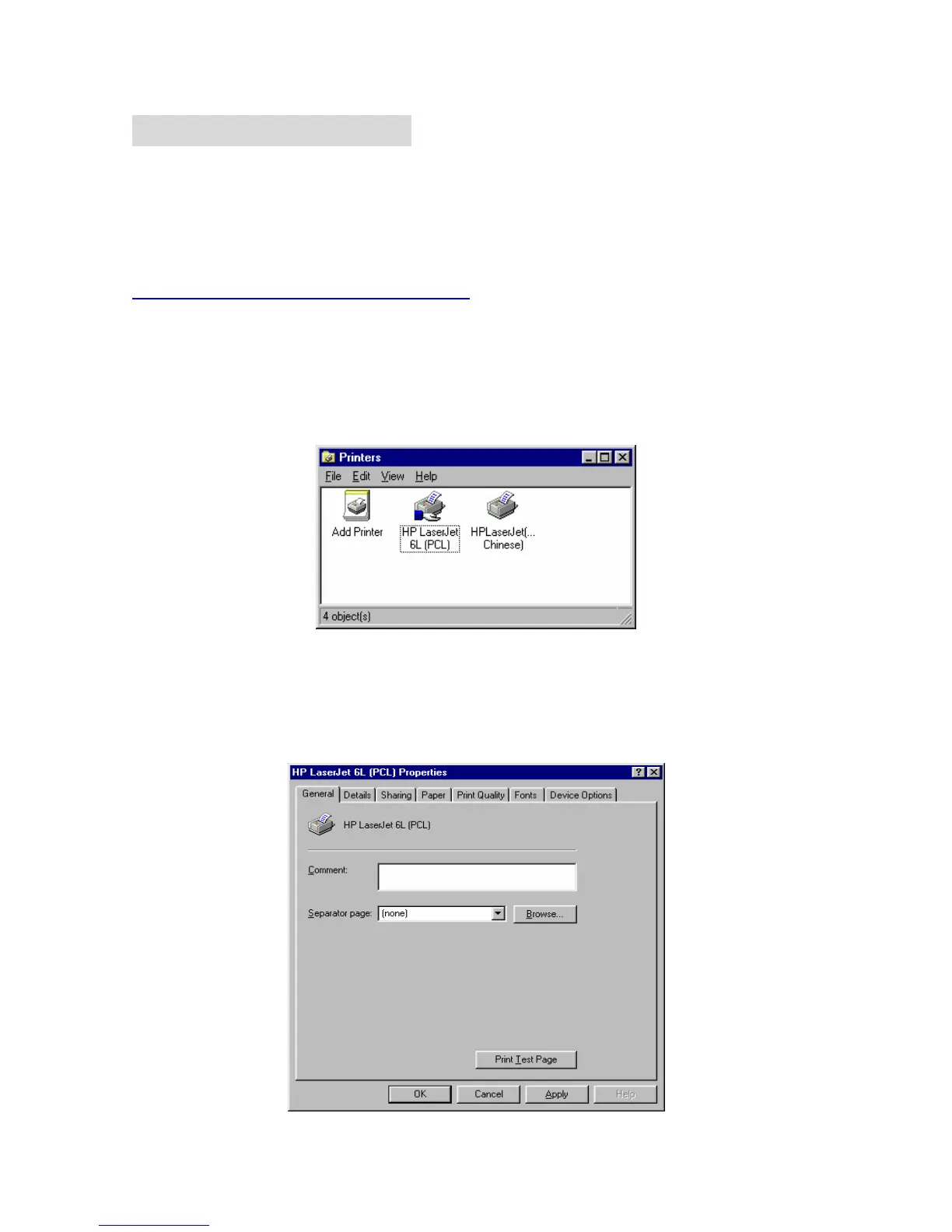
of this product as server printer. On a Windows 95/98 platform, open the Printers window in the My Computer
menu:
Now, yon can configure the print server of this product:
1. Find out the corresponding icon of your server printer, for example, the HP LaserJet 6L. Click the mouse’s
right button on that icon, and then select the Properties item:



 To Next Page