PolyGard
/ µGard
®
are registered trademarks of MSR Made in Germany GA_SC2_MC2_Tox_D_0820
Phone +49 8531 9004-0 Fax: +49 8531 9004-54 Specification subject to change without notice
MSR-Electronic GmbH, Buergermeister-Schoenbauer-Str. 13, D 94060 Pocking www.msr-electronic.de
3 Electrical Connection
3.1 Plug Connection (SC2) in SB2, MSB2, MSC2, WSB2
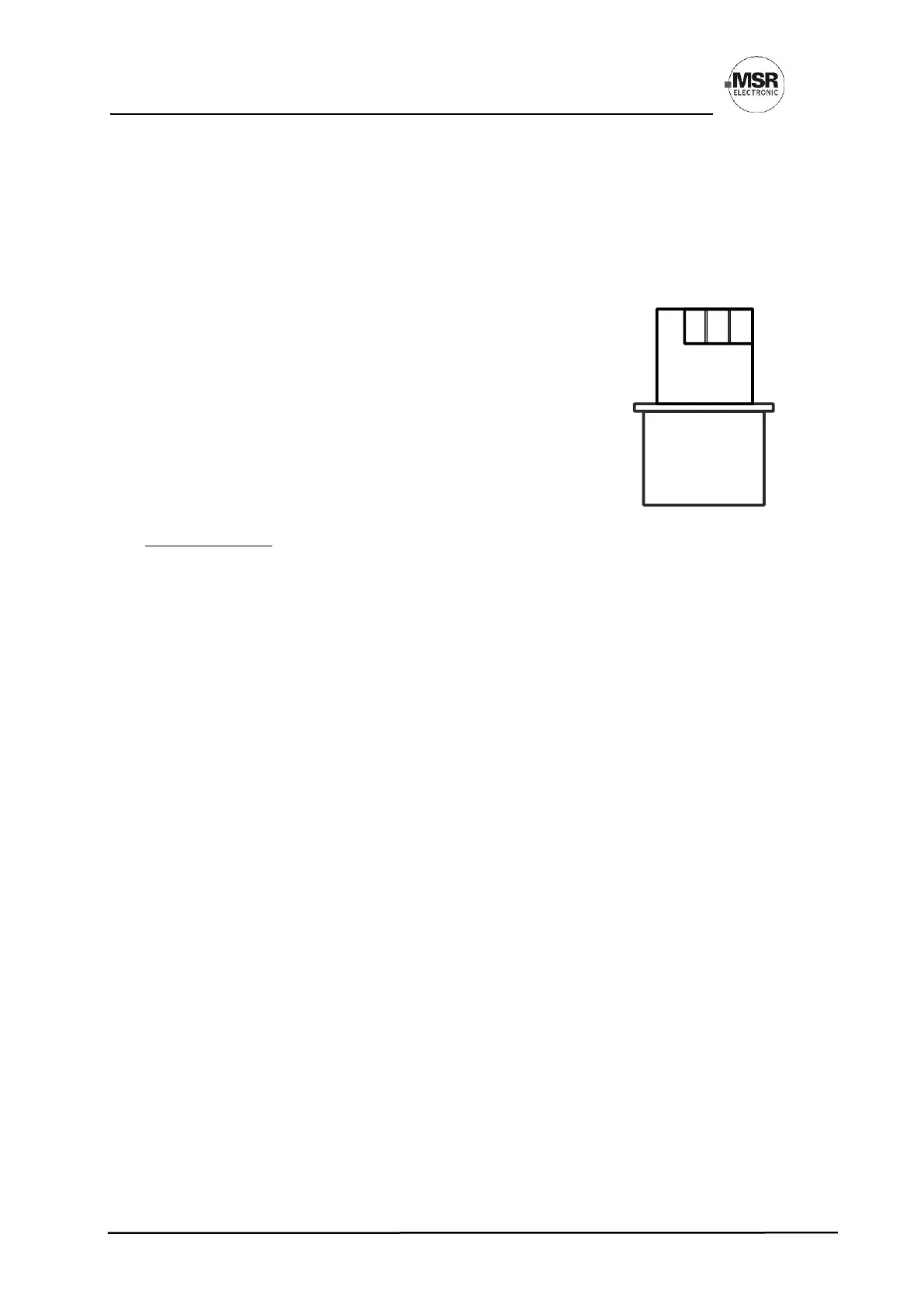
SC2 sensors are equipped with a reverse polarity protected connector (3-pin). It must not be plugged in
the wrong position by force (already clamped at the factory).
All black plugs are connected in parallel, so it is irrelevant which plug to use.
3.2 Terminal Connection (MC2)
• Open cover.
• Insert field bus cable from above, cut and strip it.
• Connect it to the terminal (only 3-wire connection possible).
• For the 4–20 mA operating mode, please remove the built-in
500 Ω resistor between terminals 2 and 3.
4 Commissioning
Only trained technicians should perform the following when commissioning:
• Check for correct mounting location.
• Check if connection is correct.
• Check power voltage (for MC2).
• Install the Sensor Cartridge(s) if not already installed ex works.
• Check Sensor Cartridge connector for correct engagement.
• Calibrate (if not already factory-calibrated).
Within the first weeks after commissioning, there may be a deviation in the sensor behaviour.
Required instruments for commissioning (calibration):
• Service Tool DGC-06 STL or
• PCE06 Software incl. USB/RS-485 communication set:
• Calibration:
▪ Test gas bottle with synthetic air (20 % O
2
, 80 % N)
▪ Test gas bottle with test gas in the range of 30–90 % of the measuring range. Rest is synthetic
air.
▪ Extraction set consisting of gas pressure regulator and flow meter
▪ Calibration adapter with tube, type C2Z4.
4.1 Installation of Sensor Cartridge
The Sensor Cartridge is supplied in a separate package and should be installed on the housing only during
commissioning to protect it against dirt and damage.
• Check gas type, range and calibration date of Sensor Cartridge.
• Define installation place on the housing of the basic or remote sensor and break out knockouts.
• Tighten the Sensor Cartridge with M32 hexagon lock nut.
• Plug in the Sensor Cartridge at X2 or X3 of the PCB. Observe plug polarity, the plug must engage.
4.2 Registration of the Sensor Cartridge
Registration and addressing of the field bus address can be read in the User Manual for sensor boards, e.g.
GA_SB2 etc.


 To Next Page