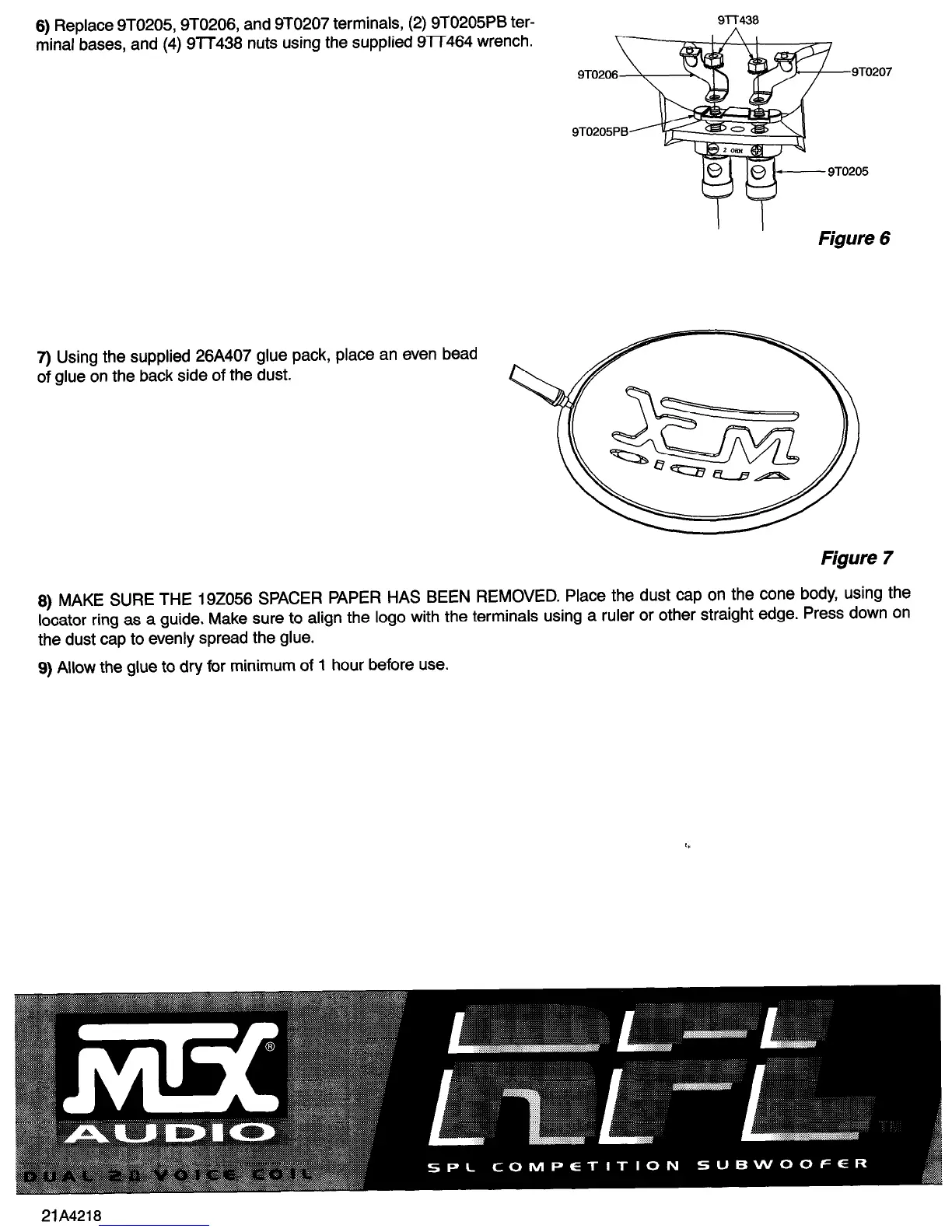
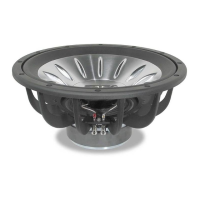
6) Replace 9TO205,9TO206, and 9TO207 terminals, (2) 9TO205PB ter-
minal bases, and (4) 9lT438 nuts using the supplied 9lT464 wrench.
7) Using the supplied 26A407 glue pack, place an even bead
of glue on the back side of the dust.
7-r
Figure 6
Figure 7
8) MAKE SURE THE 192056 SPACER PAPER HAS BEEN REMOVED. Place the dust cap on the cone body, using the
locator ring as a guide. Make sure to align the logo with the terminals using a ruler or other straight edge. Press down on
the dust cap to evenly spread the glue.
9) Allow the glue to dry for minimum of 1 hour before use.



 To Previous Page