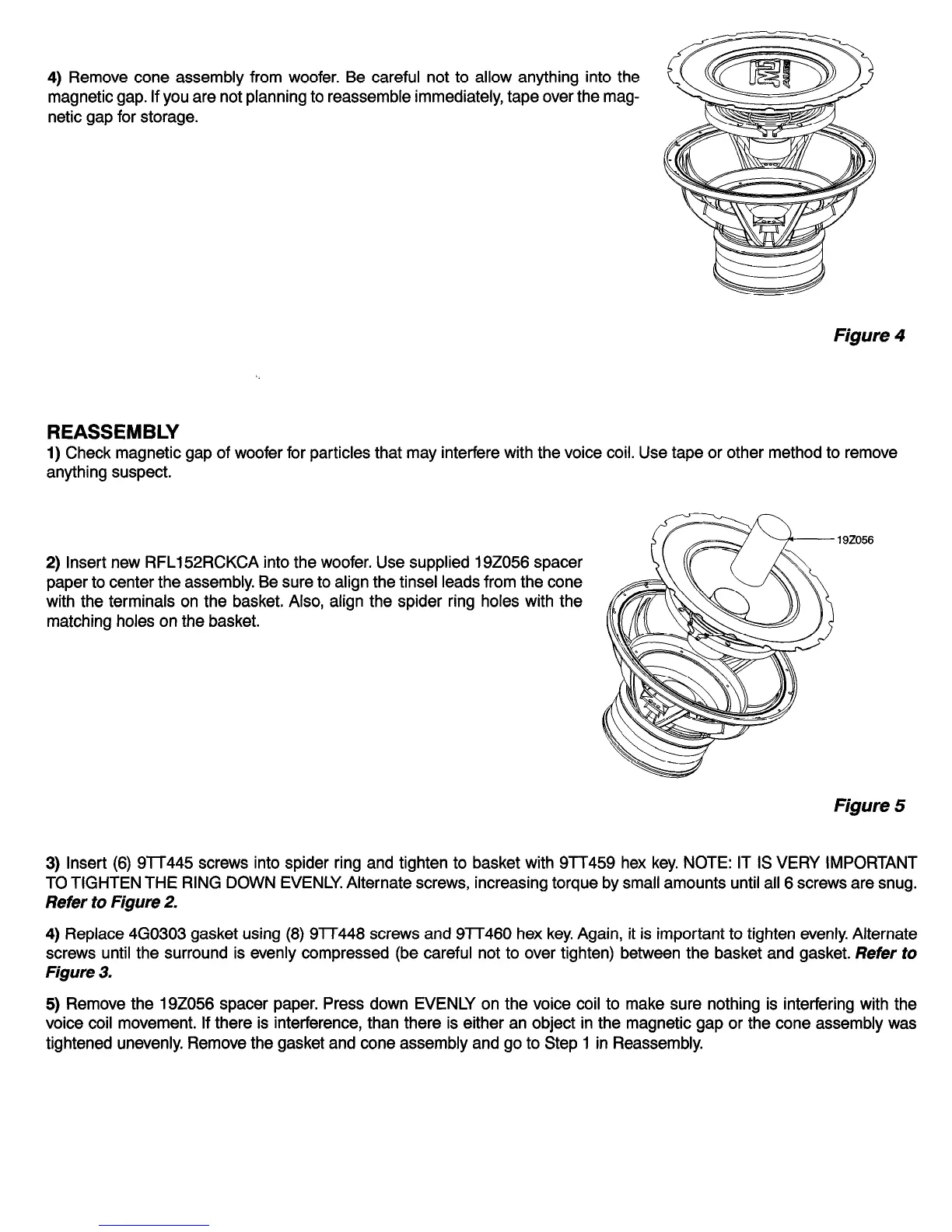
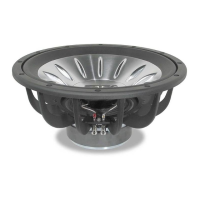
4) Remove cone assembly from woofer. Be careful not to allow anything into the
magnetic gap. If you are not planning to reassemble immediately, tape over the mag-
netic gap for storage.
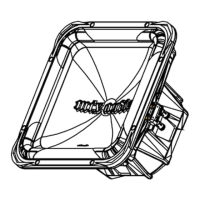
Figure 4
REASSEMBLY
1) Check magnetic gap of woofer for particles that may interfere with the voice coil. Use tape or other method to remove
anything suspect.
2) Insert new RFL152RCKCA into the woofer. Use supplied 192056 spacer
paper to center the assembly. Be sure to align the tinsel leads from the cone
with the terminals on the basket. Also, align the spider ring holes with the
matching holes on the basket.
192056
Figure 5
3) Insert (6) 9lT445 screws into spider ring and tighten to basket with 9TT459 hex key. NOTE: IT IS VERY IMPORTANT
TO TIGHTEN THE RING DOWN EVENLY Alternate screws, increasing torque by small amounts until all 6 screws are snug.
Refer to Figure 2.
4) Replace 460303 gasket using (8) 9lT448 screws and 9lT460 hex key. Again, it is important to tighten evenly Alternate
screws until the surround is evenly compressed (be careful not to over tighten) between the basket and gasket. Refer to
Figure 3.
5) Remove the 192056 spacer paper. Press down EVENLY on the voice coil to make sure nothing is interfering with the
voice coil movement. If there is interference, than there is either an object in the magnetic gap or the cone assembly was
tightened unevenly. Remove the gasket and cone assembly and go to Step 1 in Reassembly.


 To Next Page