EasyManua.ls Logo

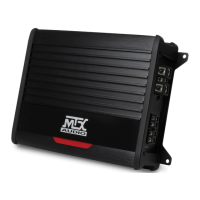
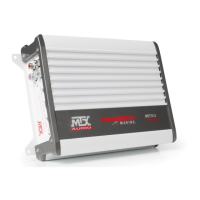
MTX WET Series - User Manual

MTX WET Series
32 pages
Print Icon
To Next Page IconTo Next Page
Loading...
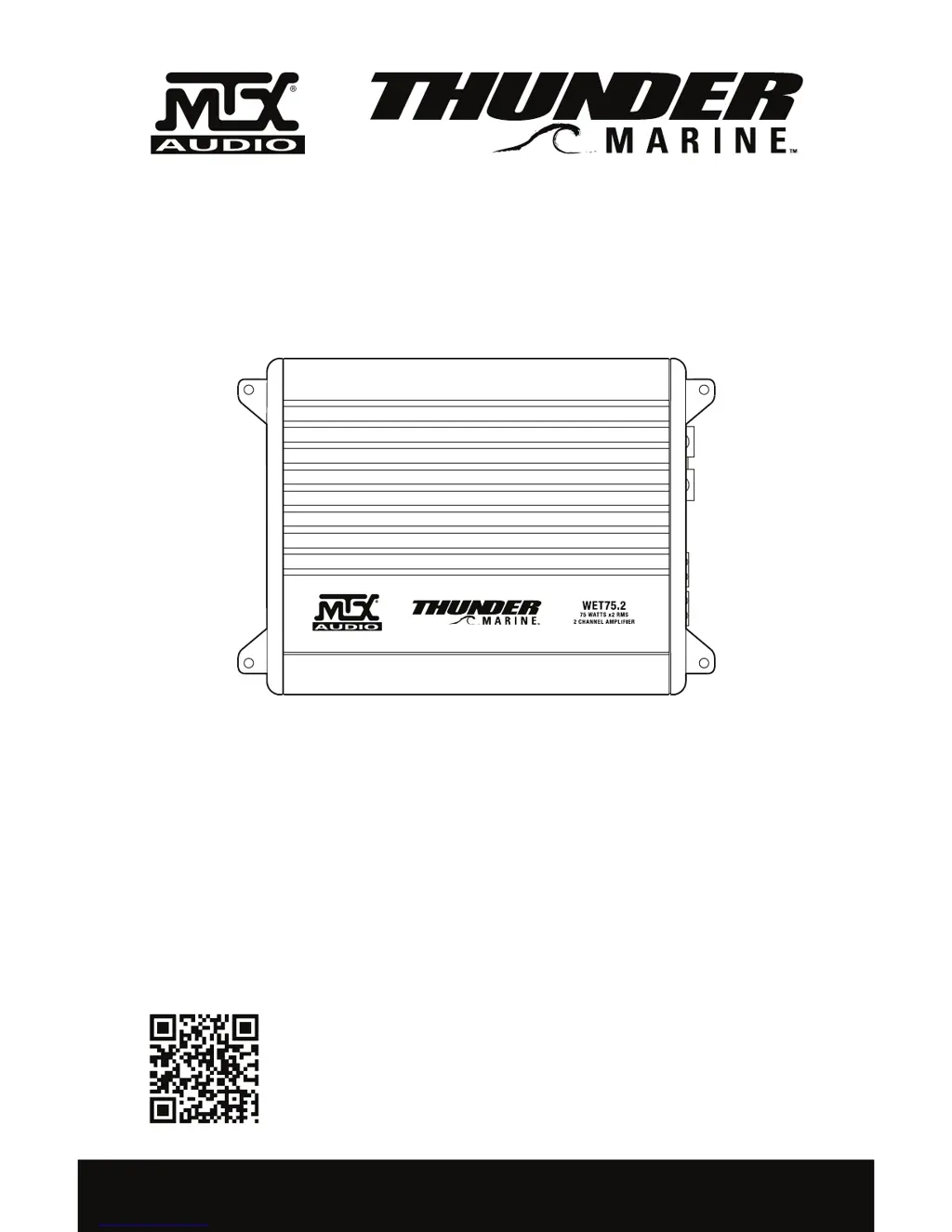
OWNER’S MANUAL
WET SERIES AMPLIFIERS
MTX.COM
Use your smartphone to scan or visit
youtube.com/user/MTXAudioUSA
to learn how to properly install this
amplifier.

Questions and Answers

Summary

Control Functions

+12 V Power Connection

Connect +12V power cable to the battery's positive terminal via a fuse or circuit breaker.

Ground Connection

Connect the GND terminal to the battery's negative terminal using the shortest, thickest wire possible.

Gain Control Adjustment

Adjust amplifier sensitivity to match the source unit's signal voltage (5V to 200mV).

Installation and Mounting

Fuse;Circuit Breaker Installation

Install a fuse or circuit breaker within 18 inches of the battery for protection.

Grounding Procedure

Connect the amplifier's GND terminal to the battery's negative terminal with an equal gauge wire.

Final Checks and Power On

Verify all connections, then reconnect the battery and turn on the circuit breaker/fuse.

Troubleshooting Guide

Specifications Overview

Wiring Diagrams

MTX WET Series Specifications

General IconGeneral
Frequency Response20Hz - 20kHz
Signal-to-Noise Ratio>90dB
SeriesWET
Number of Channels2
Operating Voltage12V

Related product manuals