EasyManua.ls Logo

MTX THunDer1000.1 - User Manual

MTX THunDer1000.1
32 pages
Print Icon
To Next Page IconTo Next Page
Loading...
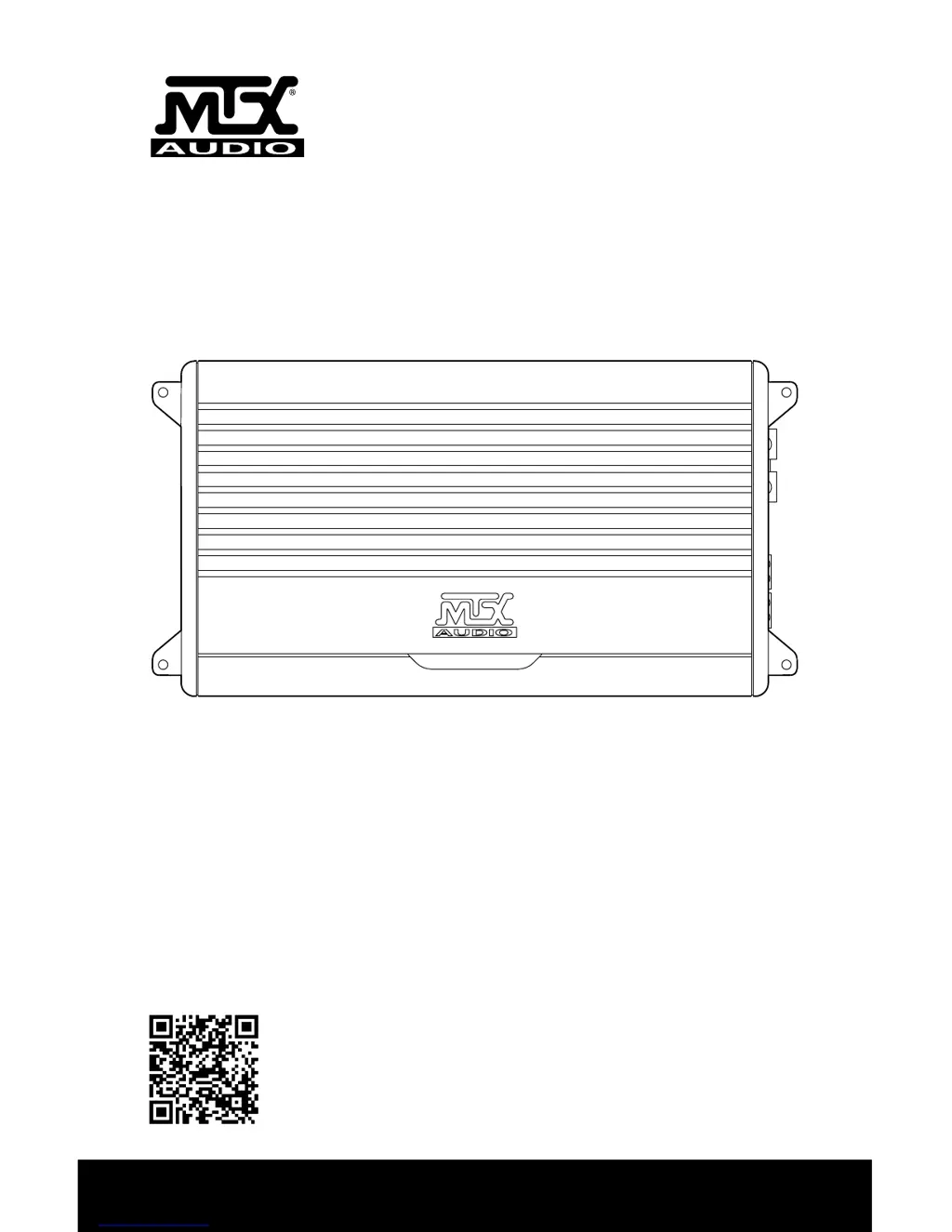
OWNER’S MANUAL
THUNDER SERIES AMPLIFIERS
MTX.COM
Use your smartphone to scan or visit
youtube.com/user/MTXThunderforce
to learn how to properly install this
amplifier.

Questions and Answers

  • P
    Patrick ToddJul 27, 2025
    What to do if the MTX Amplifier power LED is on but there is no output?
    • B
      Brandy HowardJul 27, 2025
      If the power LED is on but there's no output from your MTX Amplifier, first, check if the volume on your source unit is turned down; if so, increase it. Next, ensure that all speaker connections are properly made. Also, verify that the gain control on the amplifier isn't set too low; if it is, turn it up. If you're using signal processing units, make sure they're powered on. Lastly, check your speakers; if they're all blown, replace them.
  • K
    Kevin BanksAug 1, 2025
    Why is my MTX Amplifier blowing fuses?
    • J
      Janet GravesAug 1, 2025
      If your MTX Amplifier is blowing fuses, it could be due to excessive output levels. Try lowering the volume. If the issue persists, the amplifier might be defective, and it should be returned for service.
  • A
    Amanda PrinceAug 8, 2025
    How to fix a distorted output on my MTX Amplifier?
    • B
      Brittney BuckleyAug 8, 2025
      If the output from your MTX Amplifier is distorted, it might be because the head unit volume is set too high. Try lowering it. Alternatively, the amplifier gain might be set too high; if so, lower the amplifier gain.
  • A
    Ashlee LopezAug 13, 2025
    Why is the balance reversed on my MTX THunDer1000.1 Amplifier?
    • S
      Sally BurgessAug 14, 2025
      If you notice the balance is reversed on your MTX Amplifier, it's likely that the speaker wires for the left and right channels are reversed. Correct the speaker wire orientation. Another possible cause is reversed RCA inputs; in this case, reverse the RCA inputs.
  • J
    Jennifer PonceAug 20, 2025
    How to troubleshoot no LED indication on MTX Amplifier?
    • B
      beltranmichelleAug 20, 2025
      If there is no LED indication on your MTX Amplifier, it could be due to several reasons. First, check if there is +12V at the remote connection and power connection; if not, supply +12V to the terminal. Next, verify the ground connection to ensure it's sufficient. Lastly, check if the power fuse is blown and replace it if necessary.

Summary

Control Functions

+BATT (+12 Volt Power) Connection

Connect to the positive terminal of the vehicle battery via a fuse or circuit breaker.

GND Connection

Connect directly to the vehicle's chassis bare metal ground point.

Gain Control

Matches amplifier sensitivity to source unit signal voltage (5V to 200mV).

Low Pass Filter Control (Mono Block)

Selects low pass crossover frequency from 40Hz to 220Hz.

Control Functions Details

Installation and Mounting

Disconnect Battery Cable

Always disconnect the vehicle's negative battery cable before installation.

Install Power Cable

Route positive (+) power cable through firewall with grommet, connect to amp terminal.

Install Circuit Breaker;Fuse

Install within 18 inches of battery; keep OFF/removed until connections are made.

Proper Grounding

Locate bare metal chassis point, remove paint, attach ground wire to amp.

Connect Remote Turn-On Wire

Connect source unit's remote turn-on lead or power antenna lead to amp's REM terminal.

Installation Fuse Recommendations

Troubleshooting

No LED Indication

Check +12V at remote/power connections and ground connection.

Power LED On, No Output

Verify volume, speaker connections, gain settings, and signal processors.

Blowing Fuses

Reduce output levels or check for amplifier defects.

Specifications

Wiring Diagram - Mono Block Single Subwoofer

Wiring Diagram - Mono Block Multi-Subwoofer

Wiring Diagram - THUNDER75.4 4-Channel

Wiring Diagram - THUNDER75.4 3-Channel

MTX THunDer1000.1 Specifications

General IconGeneral
Power Output (RMS)1000W
Impedance2 Ohms
Input Sensitivity200 mV - 6 V
Low Pass Crossover Slope12 dB/Octave
Bass Boost Frequency45 Hz
RMS Power at 4 Ohms500W
RMS Power at 2 Ohms1000W
Low Pass Crossover50Hz - 250Hz
Bass Boost0 to +18 dB
Bass Boost Range0 to +18 dB
Fuse Rating40A

Related product manuals