EasyManua.ls Logo

Multi-Power MP7500E - User Manual

Multi-Power MP7500E
35 pages
Print Icon
To Next Page IconTo Next Page
Loading...
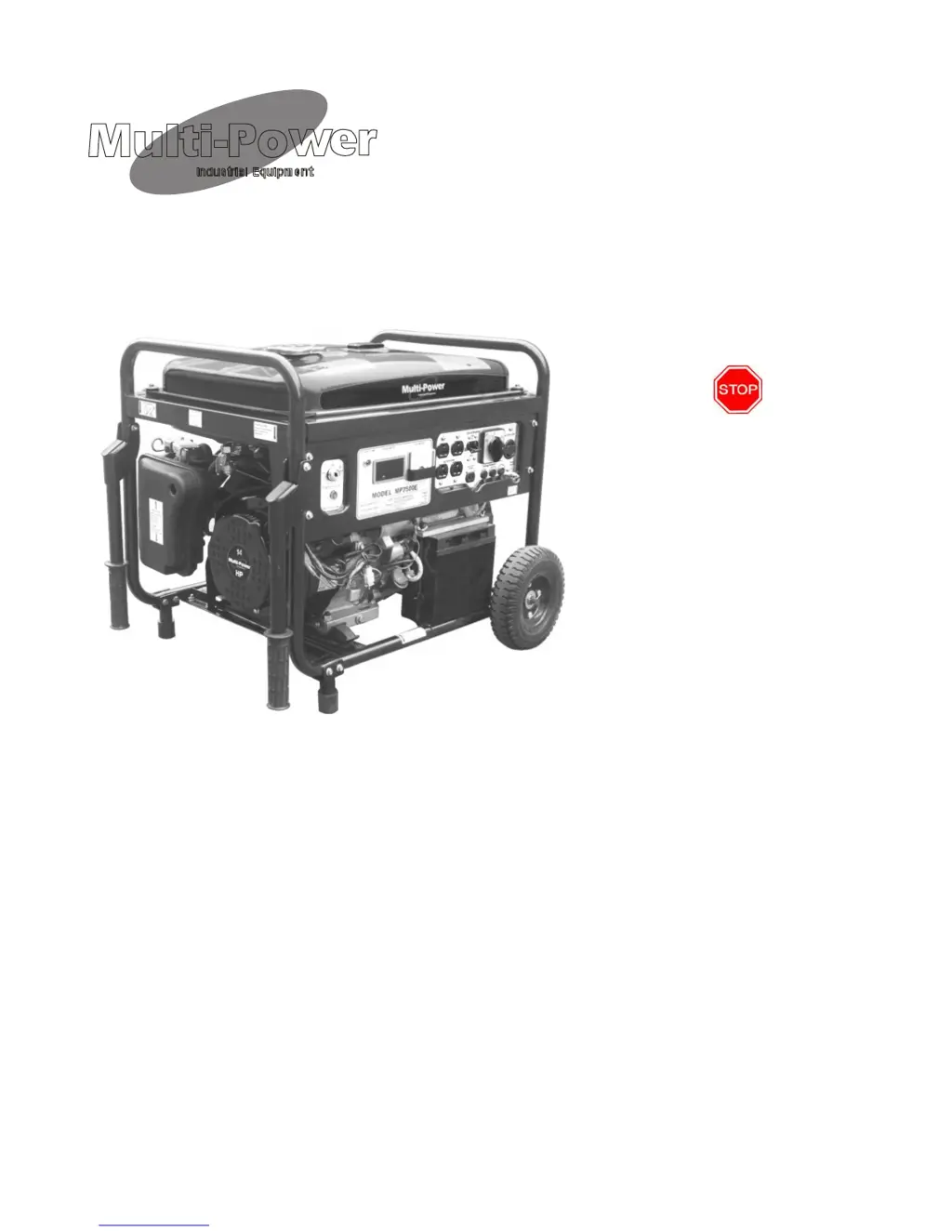
MODEL MP7500E
14 HP Generator
Owner’s Manual
DO NOT RETURN TO STORE
Questions? Problems?
Please call our customer help line:
(877) 968-3733 M-F 8-5 CT
WARNING: AS A SAFETY PRECAUTIO N YOU MUST READ THIS OWNERS MANUAL TO
AVOID THE RISK OF PROPERTY DAMAGE, BODILY INJURY OR DANGER.
Thank you for purchasing a Multi-Power MP7500E generator. This manual provides information
regarding the operation and maintenance of this product. We have made every effort to ensure the
accuracy of the information in this manual. Multi-Power reserves the right to change this product at
any time without prior notice. This manual may not be reproduced without written consent from
Multi-Power.
Please keep this manual available to all users during the entire life of the generator.
02/06

Questions and Answers

  • L
    Lisa BrownJul 31, 2025
    What to do if Multi-Power MP7500E runs but has no electrical output?
    • F
      Frank SuarezJul 31, 2025
      If your Multi-Power Portable Generator runs but provides no electrical output, first wait for 2 minutes, then push the circuit breaker to the "on" position. If you're using an extension cord, try a different one. Also, test the generator with a different electrical device to rule out a faulty device.
  • J
    Jillian BakerAug 15, 2025
    Why Multi-Power MP7500E Portable Generator runs but does not support all electrical devices connected?
    • S
      Stacy NortonAug 15, 2025
      If your Multi-Power Portable Generator runs but can't support all connected electrical devices, it might be overloaded. To fix this: 1. Turn off all electrical devices. 2. Unplug them. 3. Turn off the generator. 4. Wait a few minutes. 5. Restart the generator. 6. Connect fewer devices. Also, check for and disconnect any faulty devices. Clean or replace the air cleaner as well.

Summary

Safety Information

Hazard Warnings and Safety Symbols

Important safety warnings and symbols to understand before operating the generator.

Setup and Preparation

Package Contents and Component Overview

Lists included items and identifies key generator parts.

Assembly Instructions

Step-by-step instructions for assembling the generator.

Initial Preparation for Use

Essential steps for first-time use: adding oil, fuel, and grounding.

Generator Operation

Starting and Stopping Procedures

Procedures for safely starting, operating, and shutting down the generator.

Connecting Loads and Usage Guidelines

Guidelines for connecting devices, AC/DC output, circuit breakers, and power cord use.

Maintenance and Troubleshooting

Routine Maintenance Procedures

Regular maintenance tasks for oil, air cleaner, fuel filter, and spark plug.

Troubleshooting Common Issues

Solutions for common problems encountered during generator operation.

Specifications and Support

Technical Specifications

Key technical specifications for the generator's performance and dimensions.

Parts, Diagrams, and Warranty

Exploded views, parts lists, wiring diagram, and limited warranty information.

Multi-Power MP7500E Specifications

General IconGeneral
BrandMulti-Power
ModelMP7500E
CategoryPortable Generator
LanguageEnglish