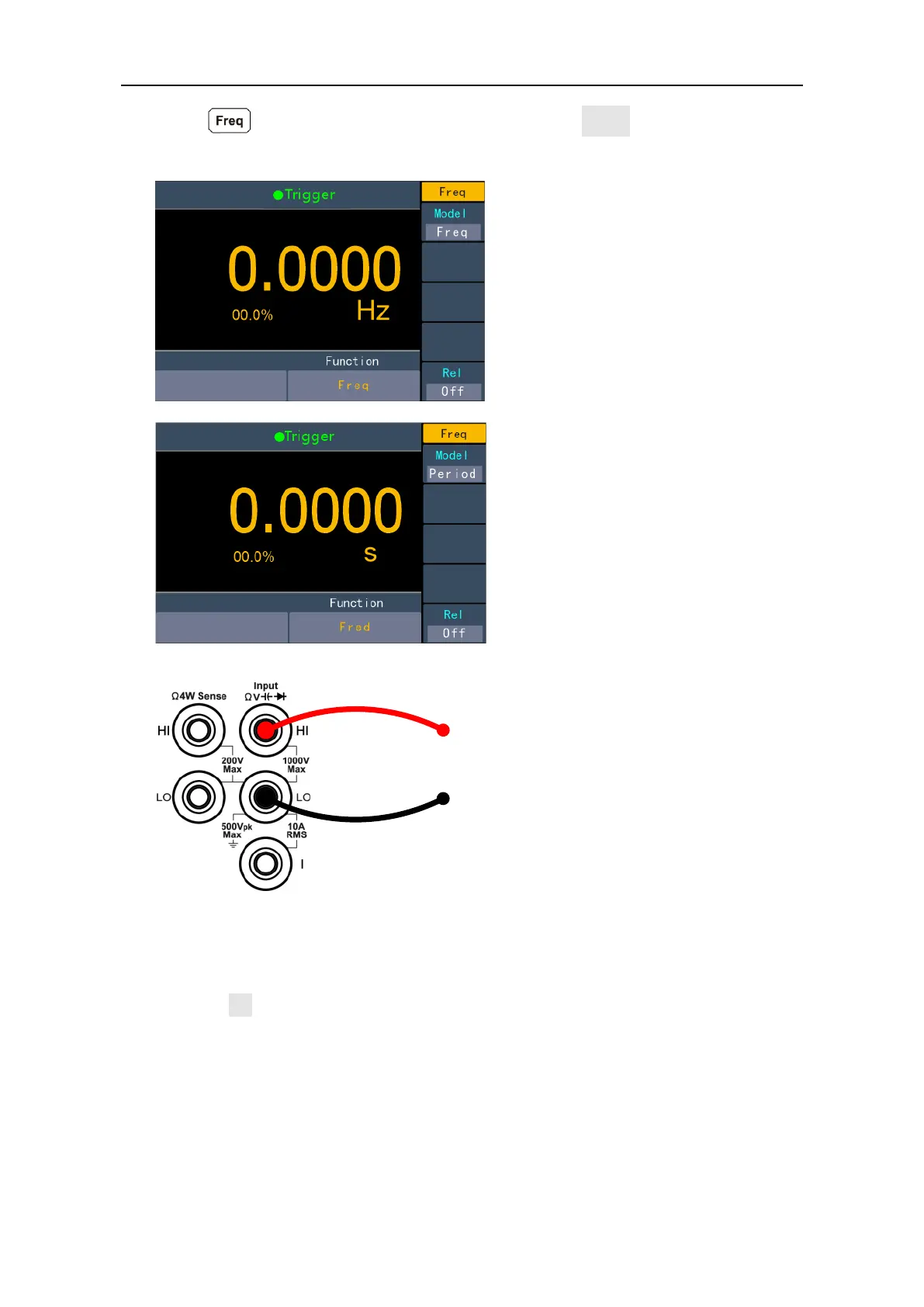
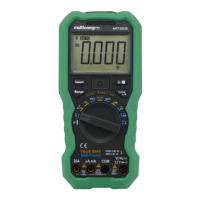
Press on the front, in the right menu, press the model soft key to switch and
select Freq/Period measurement
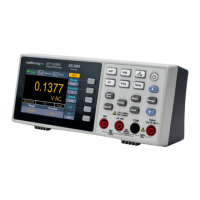
2. Connect the test lead.
3. Note
Frequency range: 20 Hz to 60 MHz.
750 V input protection is available in all ranges.
4. Set the relative value.
Press the Rel softkey to turn on or off the relative operation. For relative operation,
the multimeter subtracts the pre-specified value of REL operation from the actual
measurement result and displays the result. See page 28, Relative Value.


 To Next Page