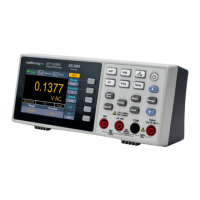
Support Feet Adjustment
Unfold the support feet on the bottom of the multimeter.
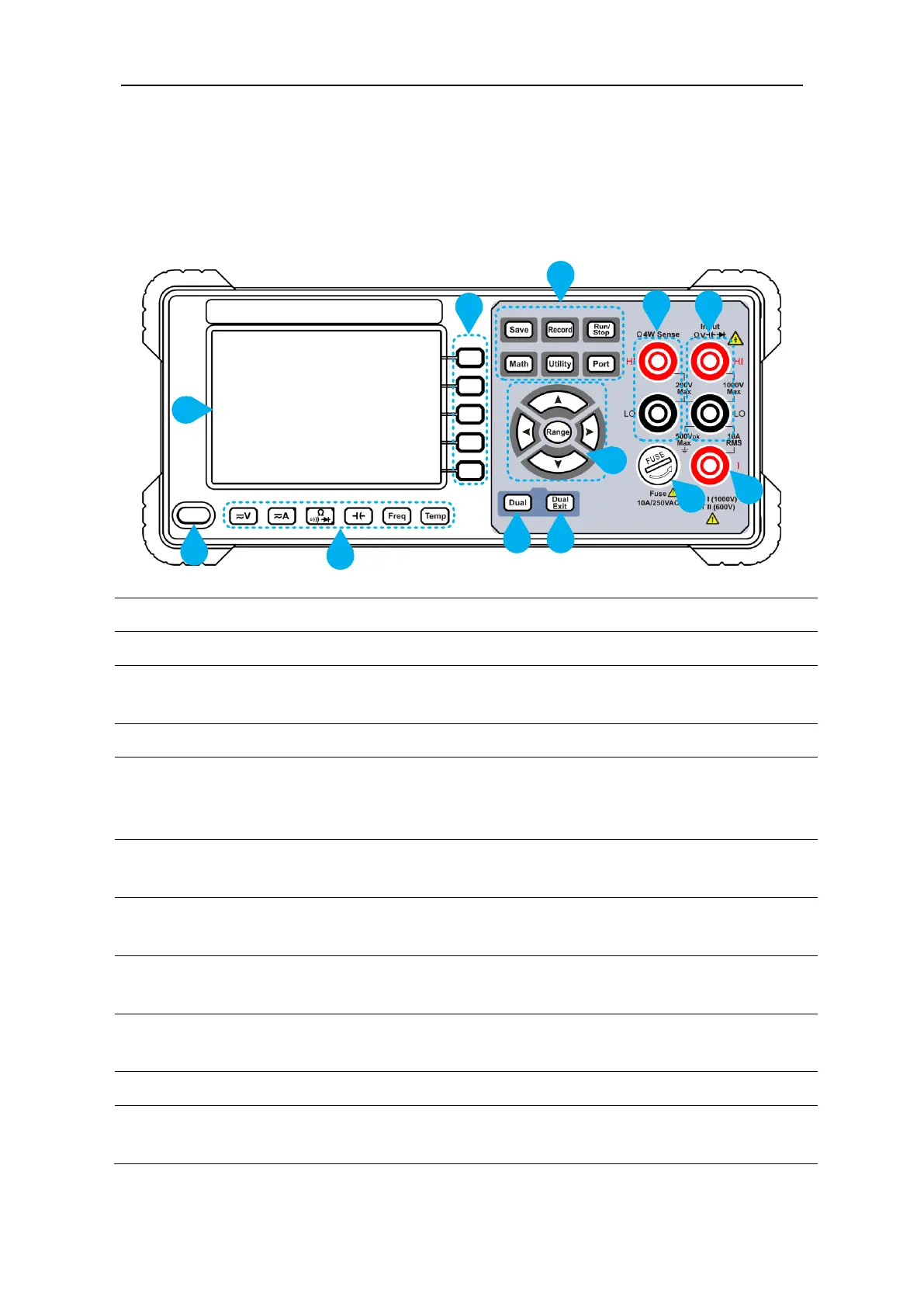
Front Panel Overview
Figure 2-1 Front panel overview
Display the user interface
Activate the corresponding menu
Collect data in manual record. The instrument saves
current reading each time the Save key is pressed. See page
29, Manual Record.
Access menus of manual record and auto record.
See page 29, Data Record Function.
Start or stop auto trigger. When the trigger is stopped, the
displayed data will be held.
Perform math operations (Max/Min, dB/dBm) on the
measurement results.
Set the auxiliary system function, including Language,
Backlight, Clock, Default.
HI and LO Sense
Terminals
Signal input terminals, used for four-wire resistance
measurements.


 To Next Page