28
4. PC Connection
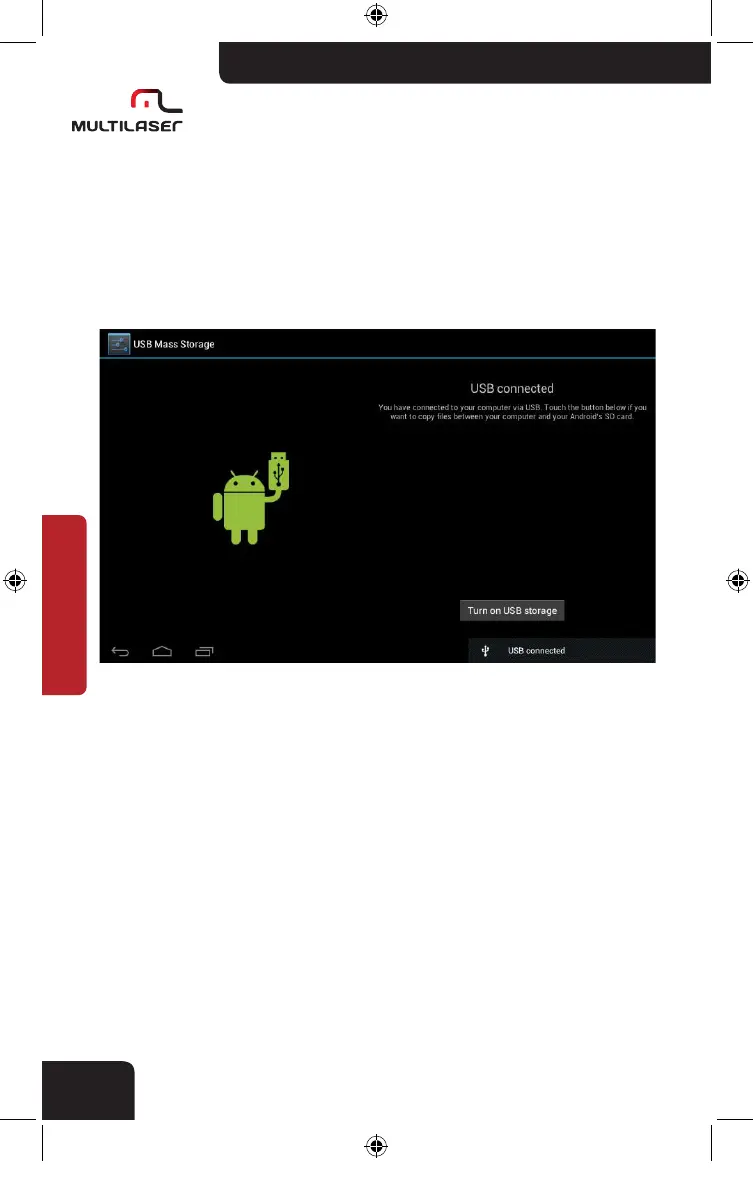
When using the supplied USB cable to connect PC, it will indicate” USB
connected”. Choose “USB connected” for data transfer. If not,” USB debug-
ging connected” will be in charging status.
Enter loading mode to copy and delete files in the device or memory
card.
nb005_LIVRO_rv1.indb 28 21/3/2012 11:50:30



 To Next Page