31
www.multilaser.com.br
ENGLISH
6. Touch Screen Usage
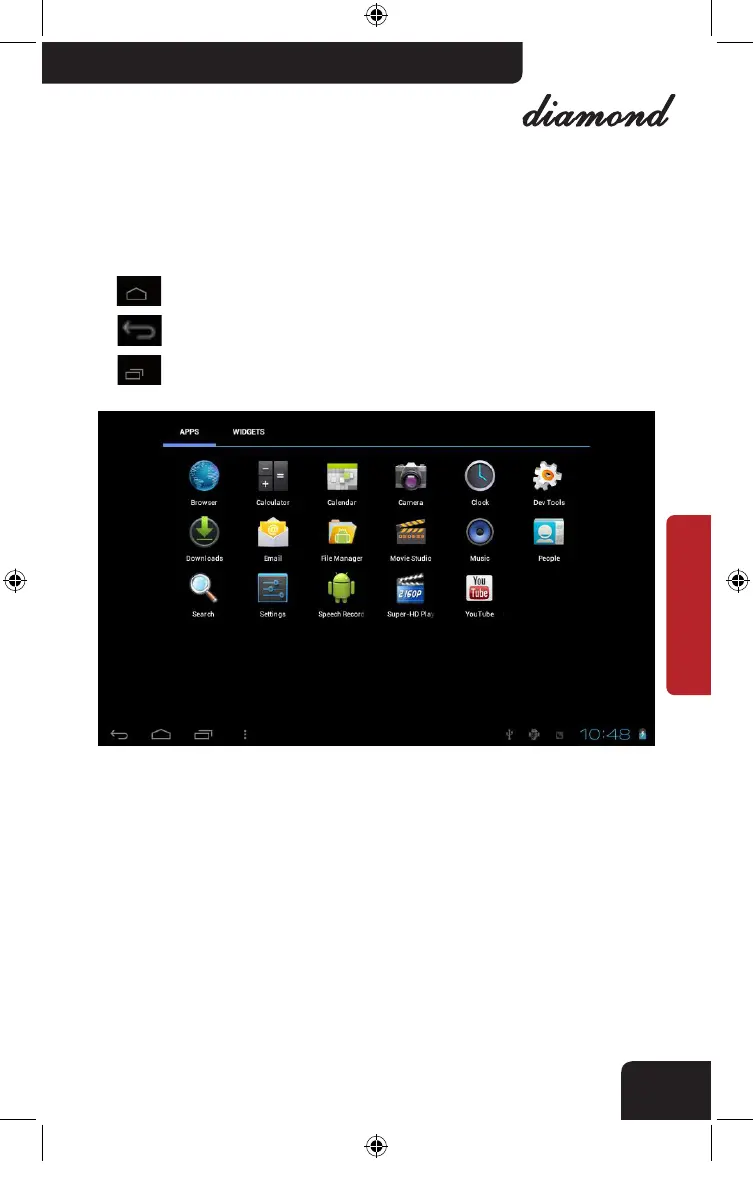
The device was featured with 7 inch touch screen. There are icons for
guidance.
Press this icon to Home page in any application.
Press this icon to return to the previous page.
Press this icon for interface application running in background.
At the Main Menu, click the application icon for operation.
In program list, drag the scrolling bar to list up or down. Touch the top
or bottom list for fast scrolling.
nb005_LIVRO_rv1.indb 31 21/3/2012 11:50:31



 To Next Page