30
. Delete icons: Press the icon for 3 seconds and drag it to Trash Box.
• Wallpapers of the Main Menu
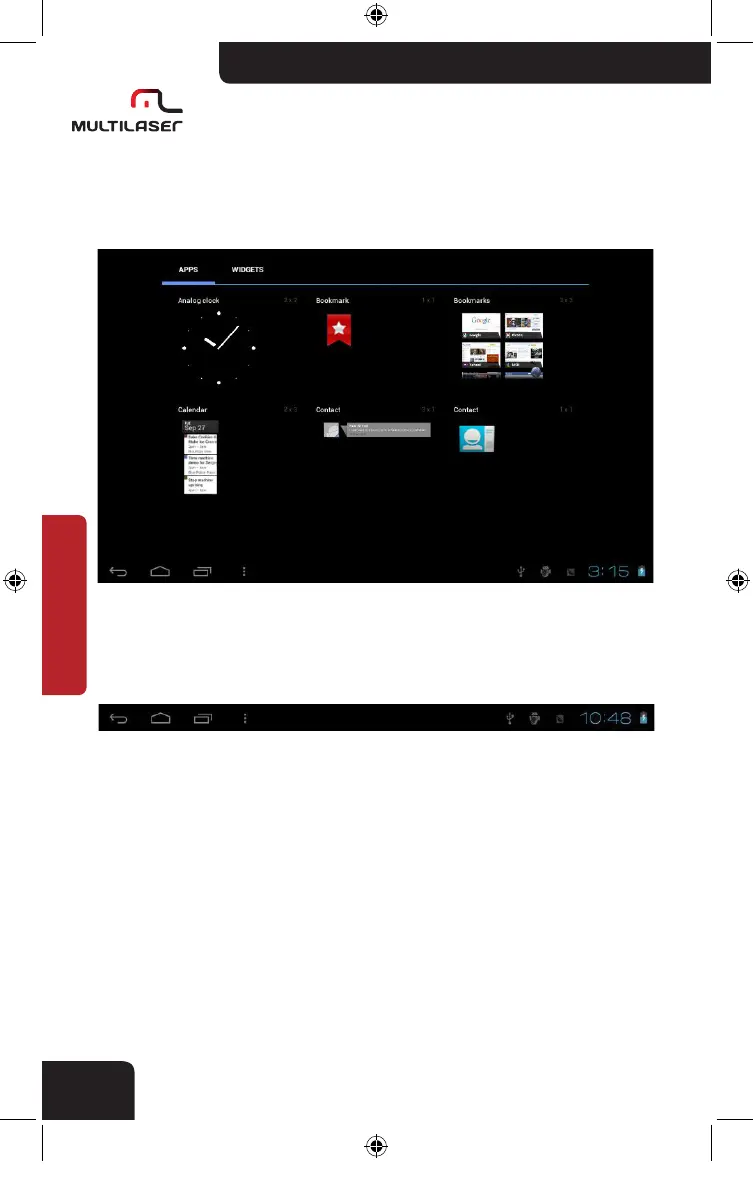
You can choose widget on the Menu on the widget selection page.
• Status bar description
. The status bar is below the screen.
. On the right corner, there are applications like USB connection status,
time, wifi status, battery status etc.
nb005_LIVRO_rv1.indb 30 21/3/2012 11:50:31



 To Next Page