36
space.
[NOTE] Please dismount the SD card by clicking the ”delete SD
card”, any sudden removal may cause damage to the device.
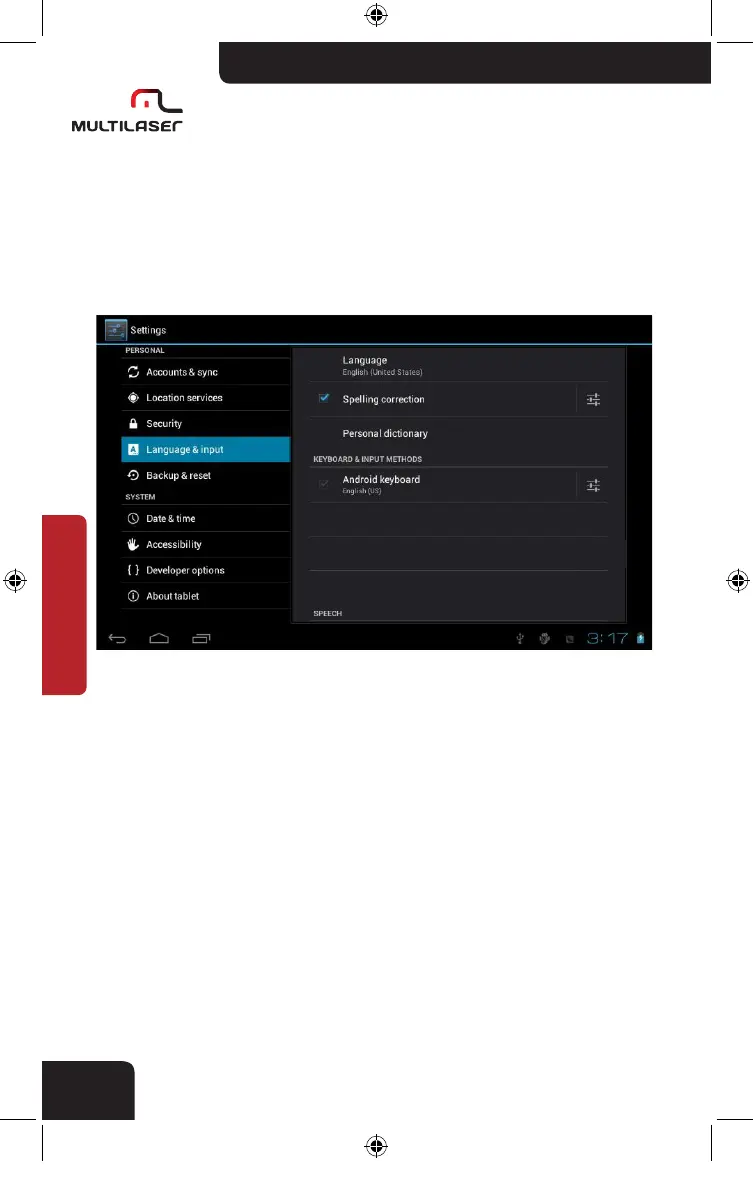
• Language and keyboard
Languages setting, document input and auto correctness.
[NOTE] Android support totally 54 languages,14 languages are lo-
aded in the device.
. Select language:54 languages for choice.
. Auto- capitalization.
. Sound on key press.
. Show settings key.
nb005_LIVRO_rv1.indb 36 21/3/2012 11:50:32



 To Next Page