INSTALLING THE ANTENNA
Fit the antenna in the connector on the left superior part of the radio and rotate it o
clockwise direction until it gets completely fixed.
ATTENCTION: The radio cannot be hold by the antenna. Do not put microphones and/or
keys next to it. These actions can cause failures in the transmission.
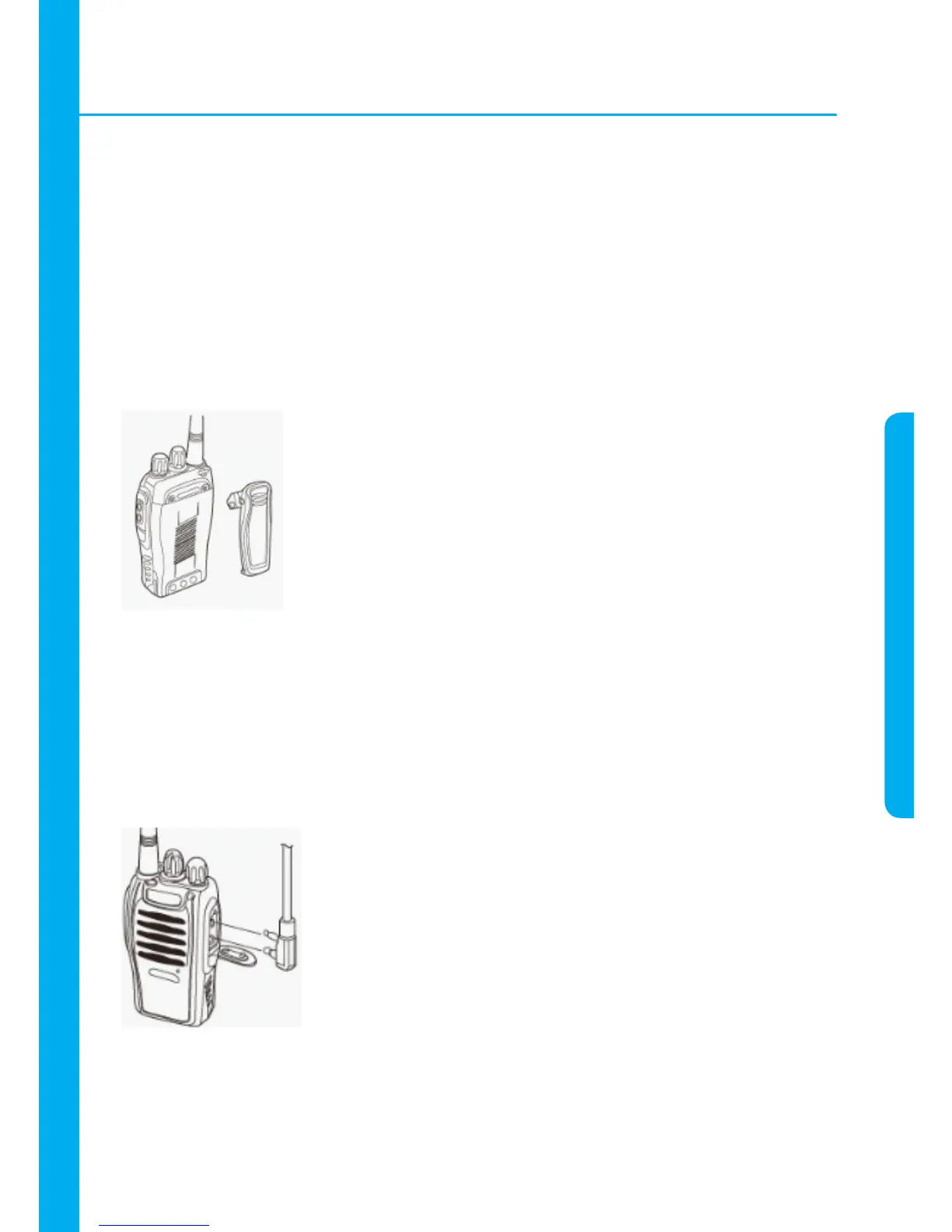
INSTALLING THE BELT CLIP
With a screwdriver, fix the belt clip as image below:
ATTENTION: The back side of the radio may get superheated because of the
continuous use. Use the belt clip to protect your body.
INSTALLING THE EARPHONES/MICROPHONES (PRODUCT NOT INCLUDE)
Connect the earphone/microphone into the corresponding input placed on the right side
of the radio as image below:
ATTENTION: When using the earphones / microphones, the radio lose the water proof
function.



 To Next Page