FaxFinder Reference Guide: IP Office PBX Inter-Operation
10
Configuring the IP Office PBX for Inter-Operation -- The XYZ Example
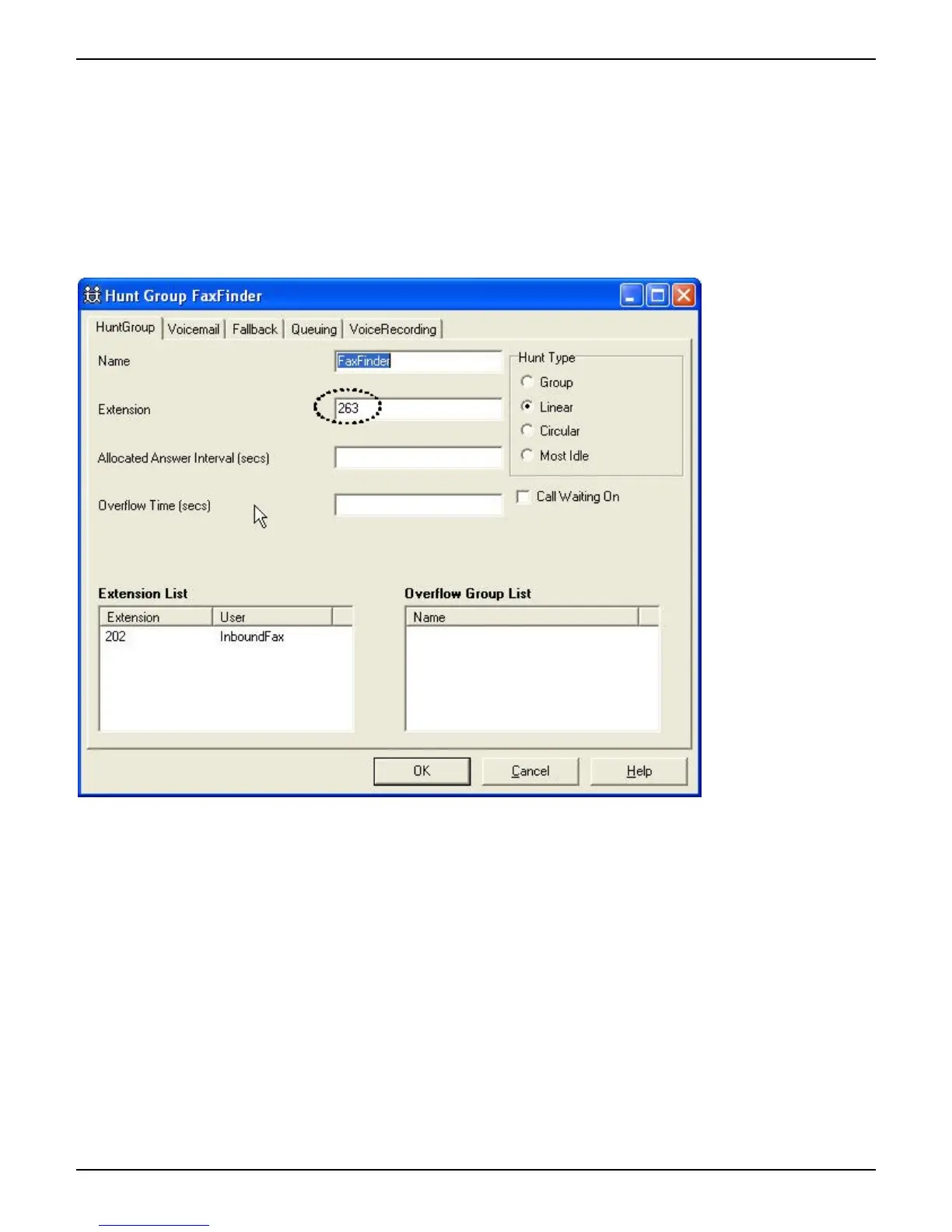
In the Hunt Group menu, create a hunt-group with a useful name (here it’s simply “FaxFinder”).
Notice that “263” is a virtual extension.
Extension “202” is a physical extension plugged into the FaxFinder server. The “Extension List” pane describes the
case of a single-port FaxFinder server (the FF100). If a FaxFinder with multiple analog ports is used, there will be
multiple entries in the “Extension List” pane.



 To Next Page