FaxFinder Reference Guide: IP Office PBX Inter-Operation
4
Connecting the FaxFinder to the IP Office Switch
Connect cable(s) between a “POT#” connector(s) on the front of the IP Office unit and a POTS connector (labeled
Line 1/2 or POTS Line) on the back of the FaxFinder (FF100 or FF200).
Configuring the FaxFinder for Inter-Operation -- The XYZ Example
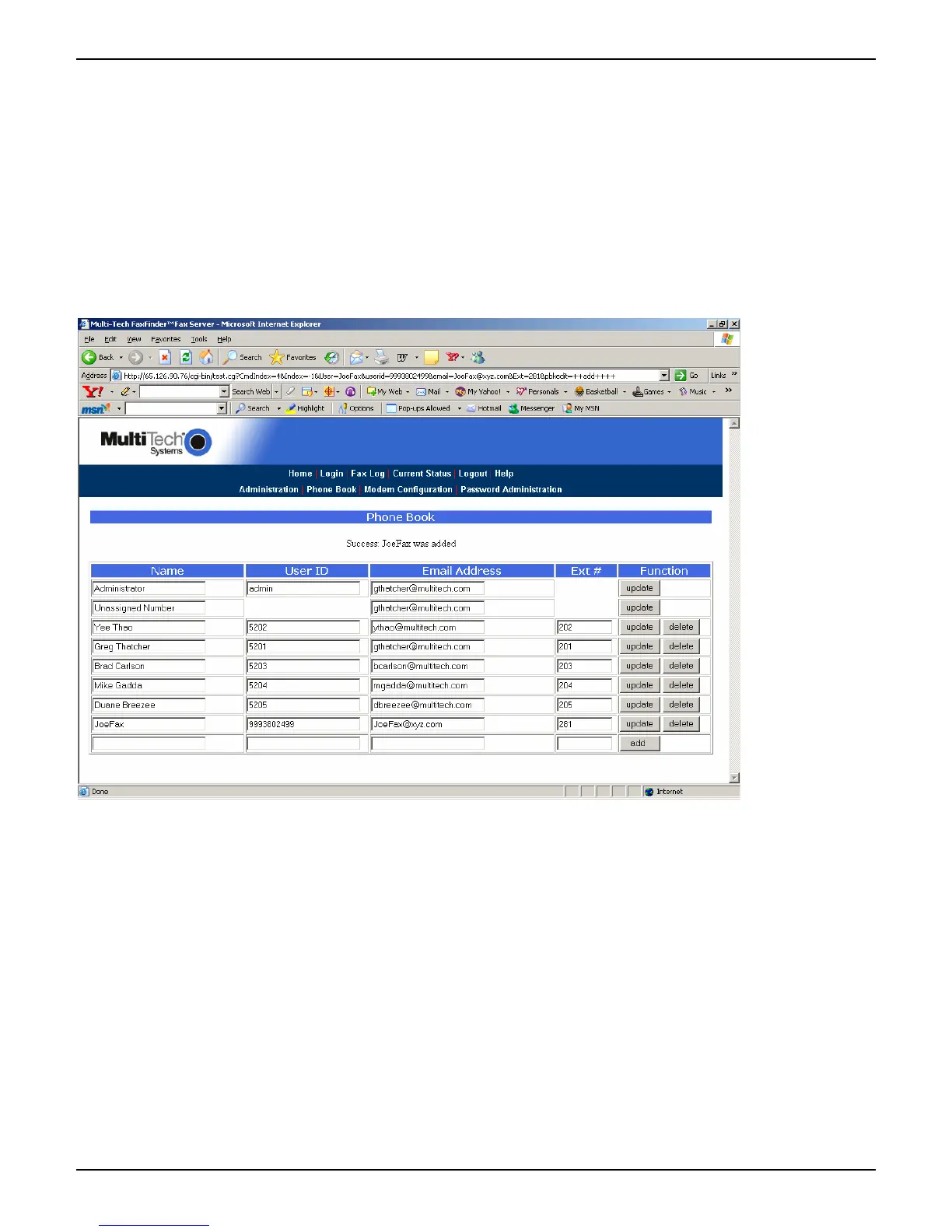
Enter client users in FaxFinder Phone Book.



 To Next Page