FaxFinder Reference Guide: IP Office PBX Inter-Operation
3
Introduction
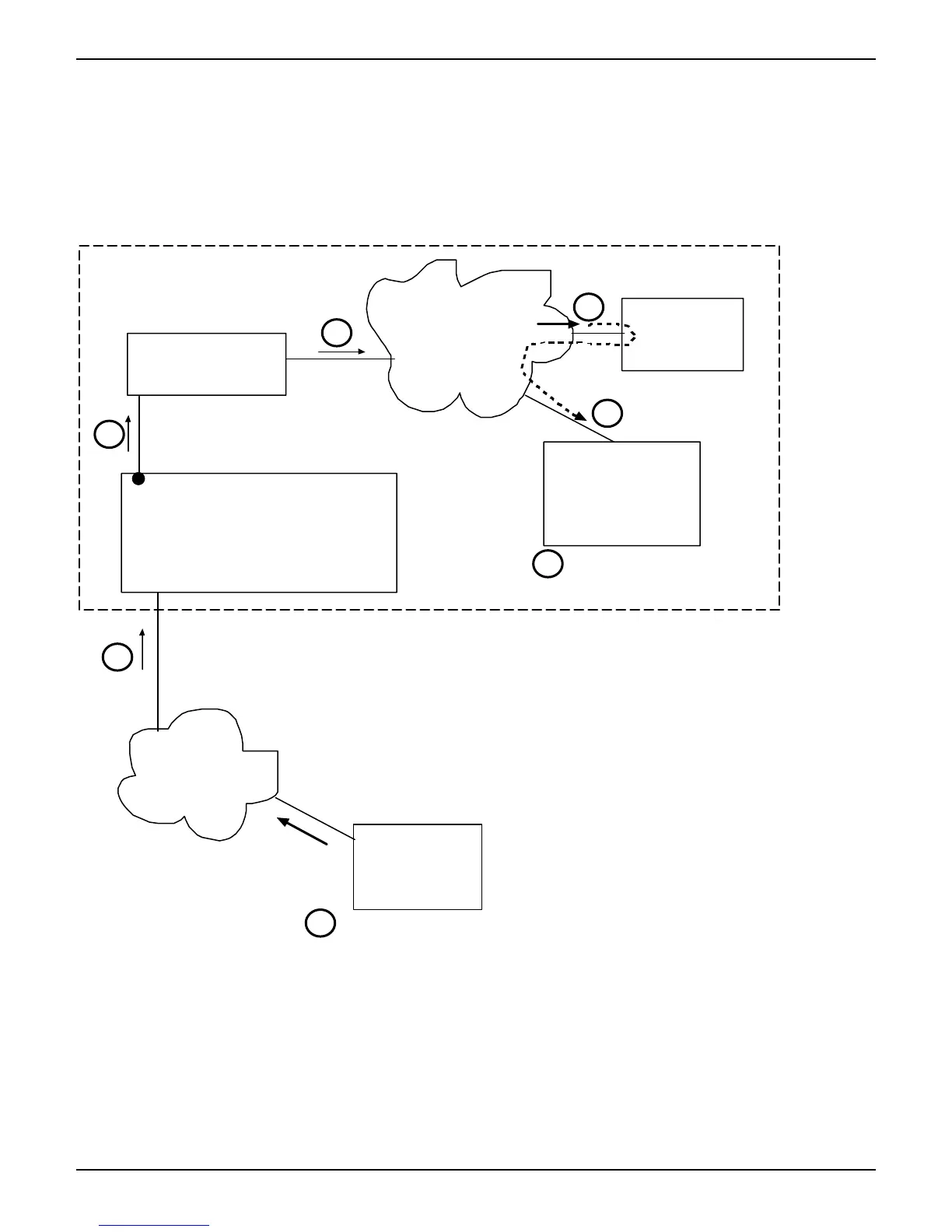
This manual describes how the MultiTech FaxFinder can inter-operate with the Avaya IP Office PBX. We show here an example situation
in which these two devices are used together followed by simple instructions for connecting the cable(s) between the PBX and the
FaxFinder. In the sequence of software-screen illustrations that follows, we show the configuration of both devices and how an incoming
fax traverses the system.
XYZ Example
Telco
Fax message sent
to 999-380-2499
Fax
Machine
IP Office PBX
ISDN/PRI
Line
FaxFinder
IP
Network
Mail
Server
Ext 202
Employee
PC
JoeFax Ext 281
Fax message
received in email.
DTMF output
7
6
5
4
3
2
1
Offices of
XYZ Company, Inc.



 To Next Page