MT202TD User Guide
10
Modem LED Indicators
MT202TD
RD
CD
CTS
RTS
DSR
TM
TD
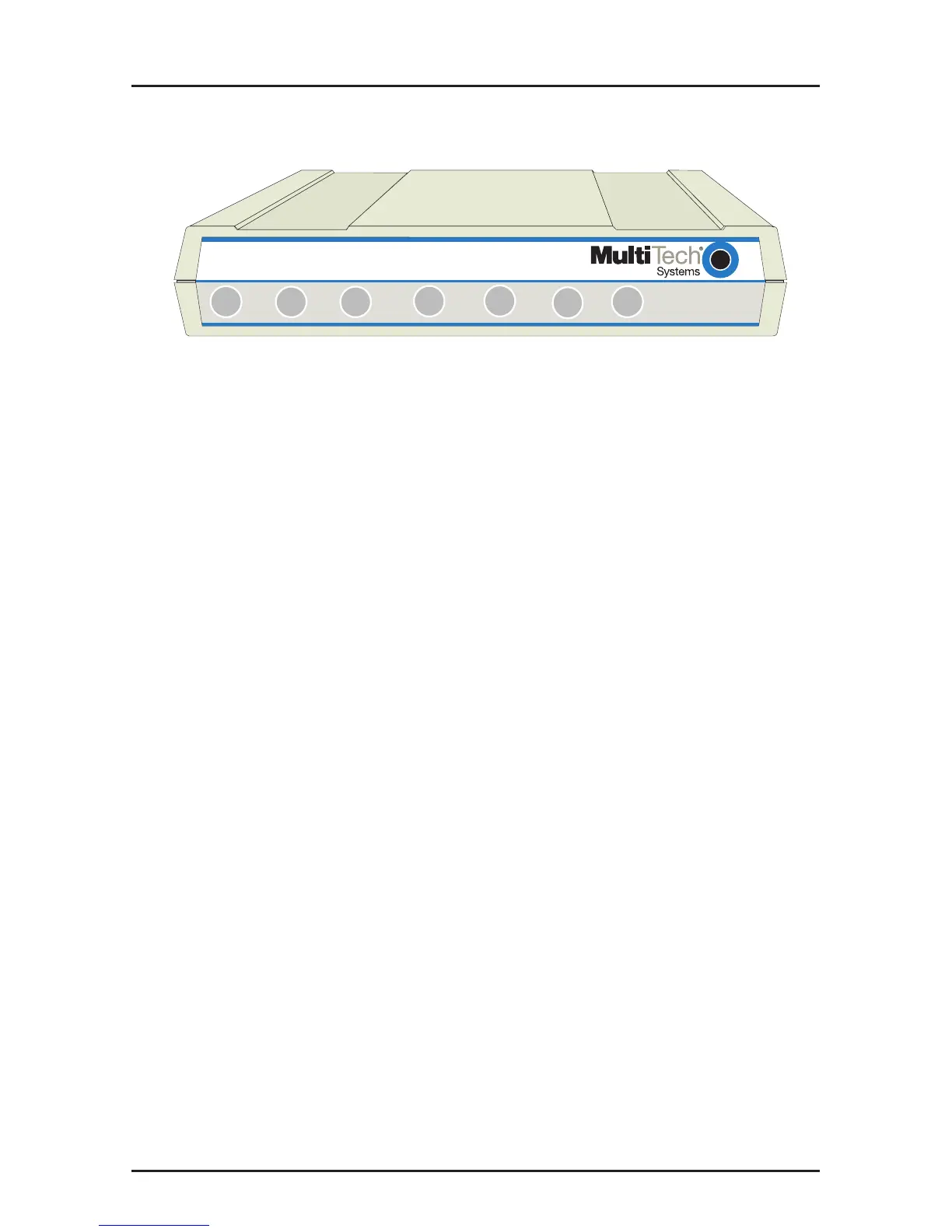
Figure 2-2. LED Display
The MT202TD has seven diagnostic LED indicators. They are:
TD Transmit Data - This LED blinks when data is being
transmitted: on for a space; off for a mark. The state of
this LED matches the TD circuit on Pin 2 of the RS-
232C/V.24 interface.
RD Receive Data - This LED blinks when data is being
received: on for a space; off for a mark. The state of this
LED matches that of the RD circuit on Pin 3 of the RS-
232C/V.24 interface.
CD Carrier Detect - This LED lights when a valid carrier
tone has been detected.
CTS Clear to Send - This LED lights when the modem
responds to a Request to Send signal after a fixed
delay. The terminal equipment may start transmitting
data after this signal is on (high).
RTS Request to Send - This LED lights when the Request
to Send signal from the DTE is on.
DSR Data Set Ready - This LED lights when the modem is
powered on.
TM Test Mode - This LED lights when the modem is in Test
Mode.














 To Next Page