15
Chapter 2 - Installation
Step 1: Connect the Modem to Your System
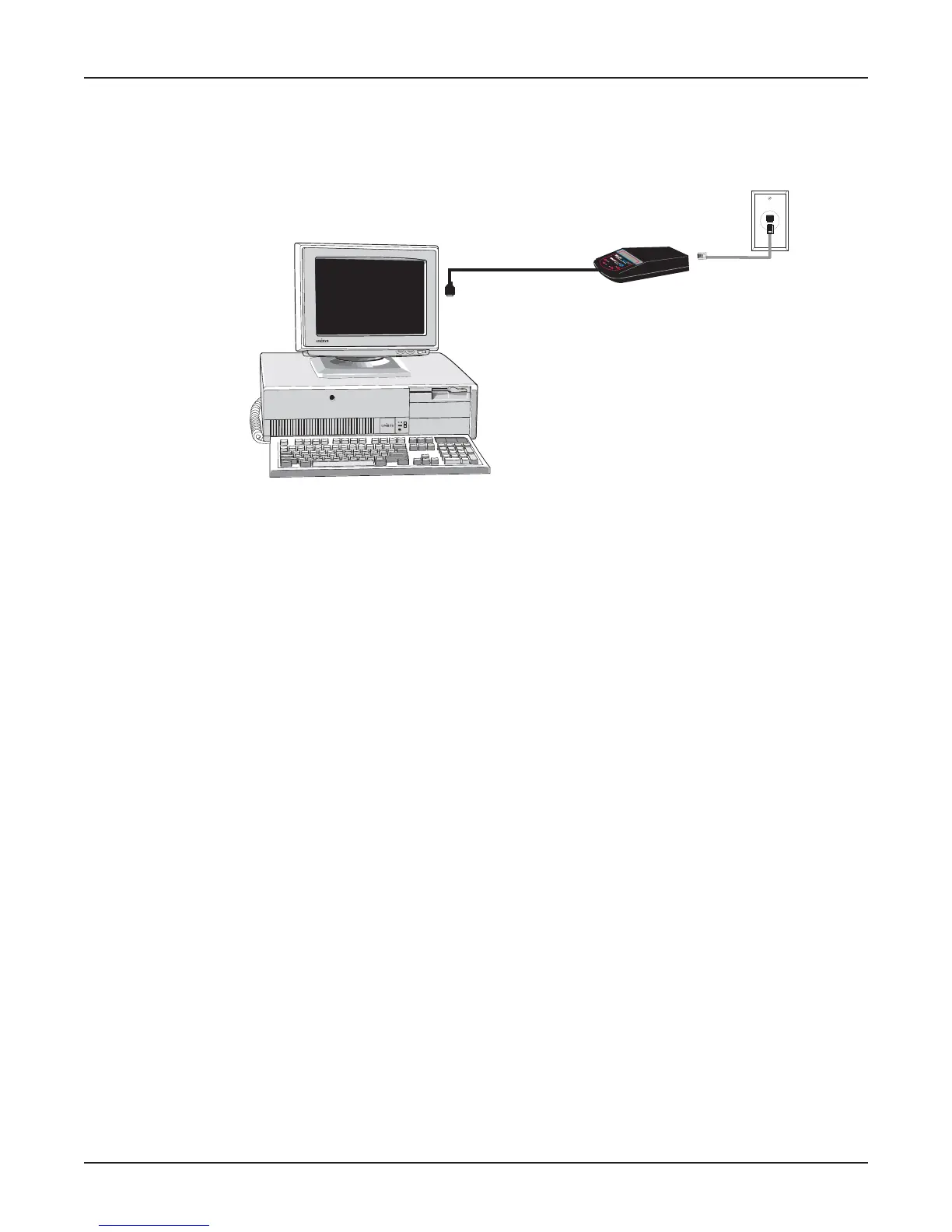
Connect the MT5634MU to your computer’s USB port and connect the telephone line to your
MT5634MU and a telephone wall jack.
Figure 2-2: Modem connections
USB Connection
Plug the USB cable connector on the modem into a USB port connector on your computer.
Line Connection
Plug one end of the phone cable into the modem’s LINE jack, and the other end into a phone line wall
jack.
Note: The Federal Communications Commission (FCC), and Industry Canada impose certain
restrictions on equipment connected to public telephone systems. See Appendix A for more
information.















 To Next Page