18
MultiMobile
USB
User Guide
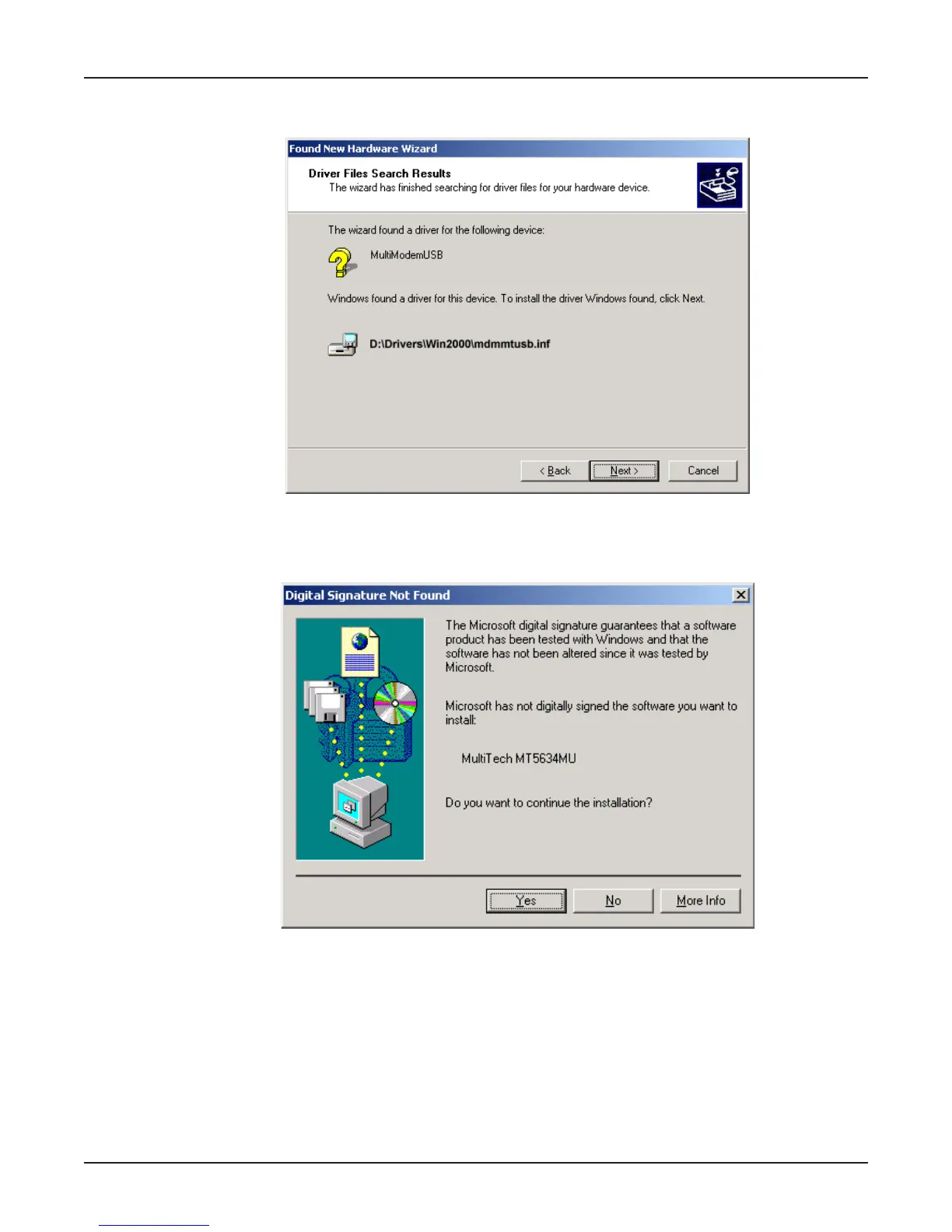
7. Then the Driver Files Search Results screen appears indicating that Windows has found the
proper driver from the MT5634MU Installation CD.
Click Next > to install the selected driver.
8. The Digital Signature Not Found screen appears.
Click Yes to continue with the installation.
NOTE:
This Microsoft operating system searches for a digital signature when you install any new
hardware. If a "Digital Signature Not Found" screen appears, simply click the YES button to
continue installation. Although Multi-Tech submits all eligible products to Microsoft for
certification, the turn-around time is subject to many factors. Not having a digital signature does
not affect product performance in any way.















 To Next Page